
3 posts tagged with "CLI"

View all tags

Installing Powermline on Termux

· One min read
pkg install golang

Powermline Installation

This is almost the same as the Powermline installation method

go get -u github.com/justjanne/powermline-go

Setting in .profile

Open ~/ .profile and add the following:

GOPATH=$HOME/go
function _update_ps1() {
PS1="$( $GOPATH/bin/powermline-go -newline -error $? )"
}
if [ "$TERM" != "linux" ] && [ -f "$GOPATH/bin/powermline-go" ]; then
PROMPT_COMMAND="_update_ps1; $PROMPT_COMMAND"
fi

Font Setup

For example, install yuru7/PlemolJP.

wget https://github.com/yuru7/PlemolJP/releases/download/v0.4.0/PlemolJP_NF_v0.4.0.zip
unzip PlemolJP_NF_v0.4.0.zip
cp PlemolJP_NF_v0.4.0/PlemolJP35Console_NF/PlemolJP35ConsoleNF-Medium.ttf $HOME/.term
ux/font.ttf
rm PlemolJP_NF_v0.4.0 -rf
rm PlemolJP_NF_v0.4.0.zip
How to Install Powerline

· One min read

Go Installation

Install Go to install powerline-go.

brew install go

Powerline-go Installation

go get -u github.com/justjanne/powerline-go

Configuration

Bashrc

Open ~/ .bashrc with Vim or nano and add the following.

GOPATH=$HOME/go
function _update_ps1() {
PS1="$( $GOPATH/bin/powerline-go -newline -error $? )"
}
if [ "$TERM" != "linux" ] && [ -f "$GOPATH/bin/powerline-go" ]; then
PROMPT_COMMAND="_update_ps1; $PROMPT_COMMAND"
fi

Run source ~/.bashrc to apply the changes.

Font

This should finish it, but there might be character encoding issues. You need to set a font that corresponds to Powerline. On Windows, you can use Cascadia Code PL or Cascadia Mono PL.

We recommend PlemolJP from https://github.com/yuru7/PlemolJP/. Download it from https://github.com/yuru7/PlemolJP/releases, click on PlemolJP_NF_vX.X.X.zip, download, extract, and install the font. Set the font to PlemolJP35 Console NF.

Displaying Images in the Terminal

· One min read

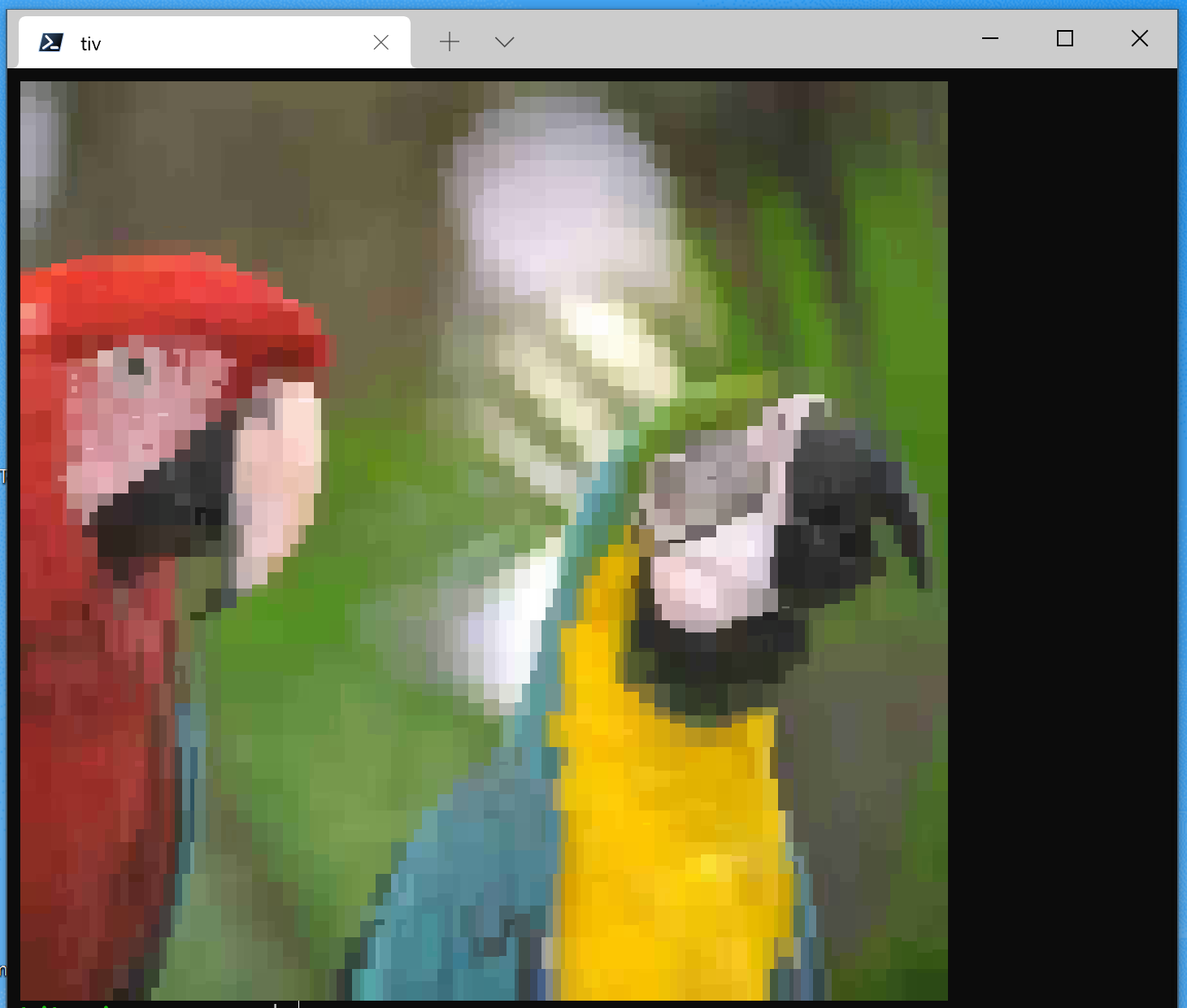
Introducing the tiv command for displaying images in the terminal.

tiv

It's convenient when you don't want to open a file explorer.

git clone https://github.com/stefanhaustein/TerminalImageViewer.git
cd TerminalImageViewer/src/main/cpp
make -j
sudo make install