4 posts tagged with "Network"

View all tags

Publishing a Website Using Raspberry Pi as a Server

Setting up nginx on Raspberry Pi

# Install and enable nginx
sudo dnf install nginx

# Edit /etc/nginx/nginx.conf
# sudo nano /etc/nginx/nginx.conf

# Start and enable nginx
sudo systemctl start nginx
sudo systemctl enable nginx
sudo systemctl status nginx

Editing /etc/nginx/nginx.conf

Add the following inside http { server {} }:

location / {
return 200 'Hello, world!';
add_header Content-Type text/plain;
}

Cloudflare Settings

  1. Go to https://one.dash.cloudflare.com/.
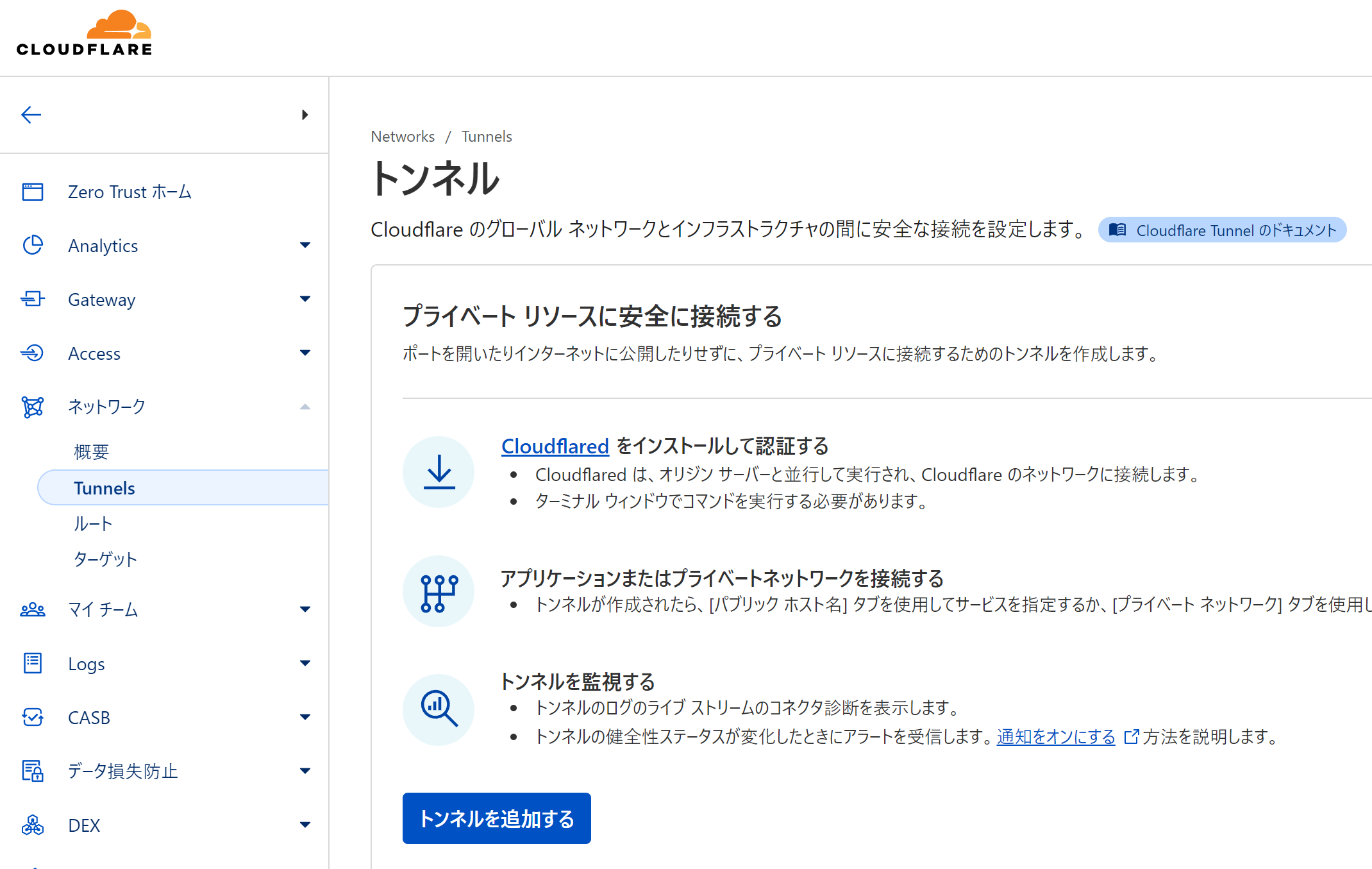
  2. Open "Network" → "Tunnels".
  3. Click "Add a tunnel".

Cloudflare Tunnels

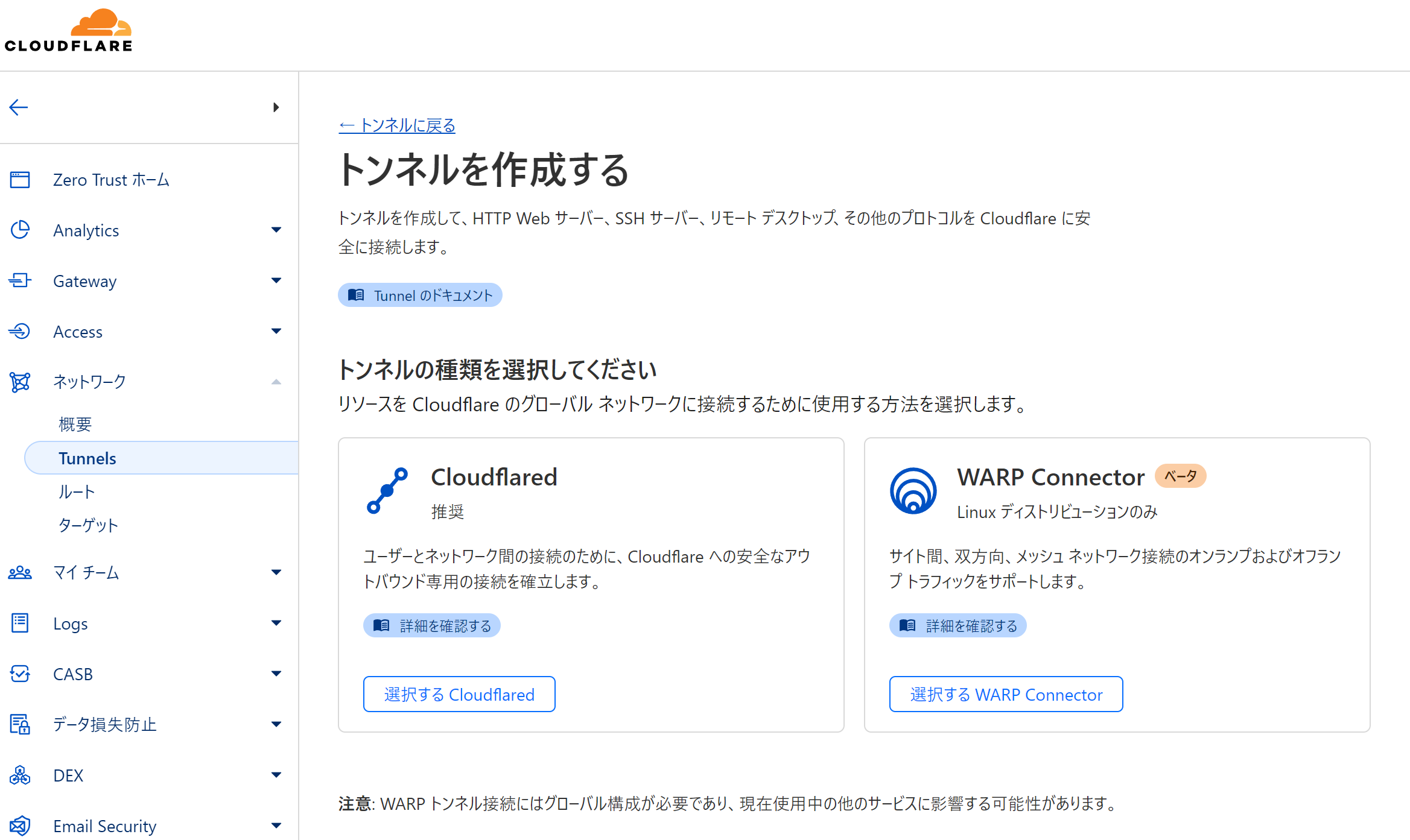
  1. Click "Select Cloudflared".

Select Cloudflared

  1. Enter a suitable name for "Tunnel name" and click "Save tunnel".
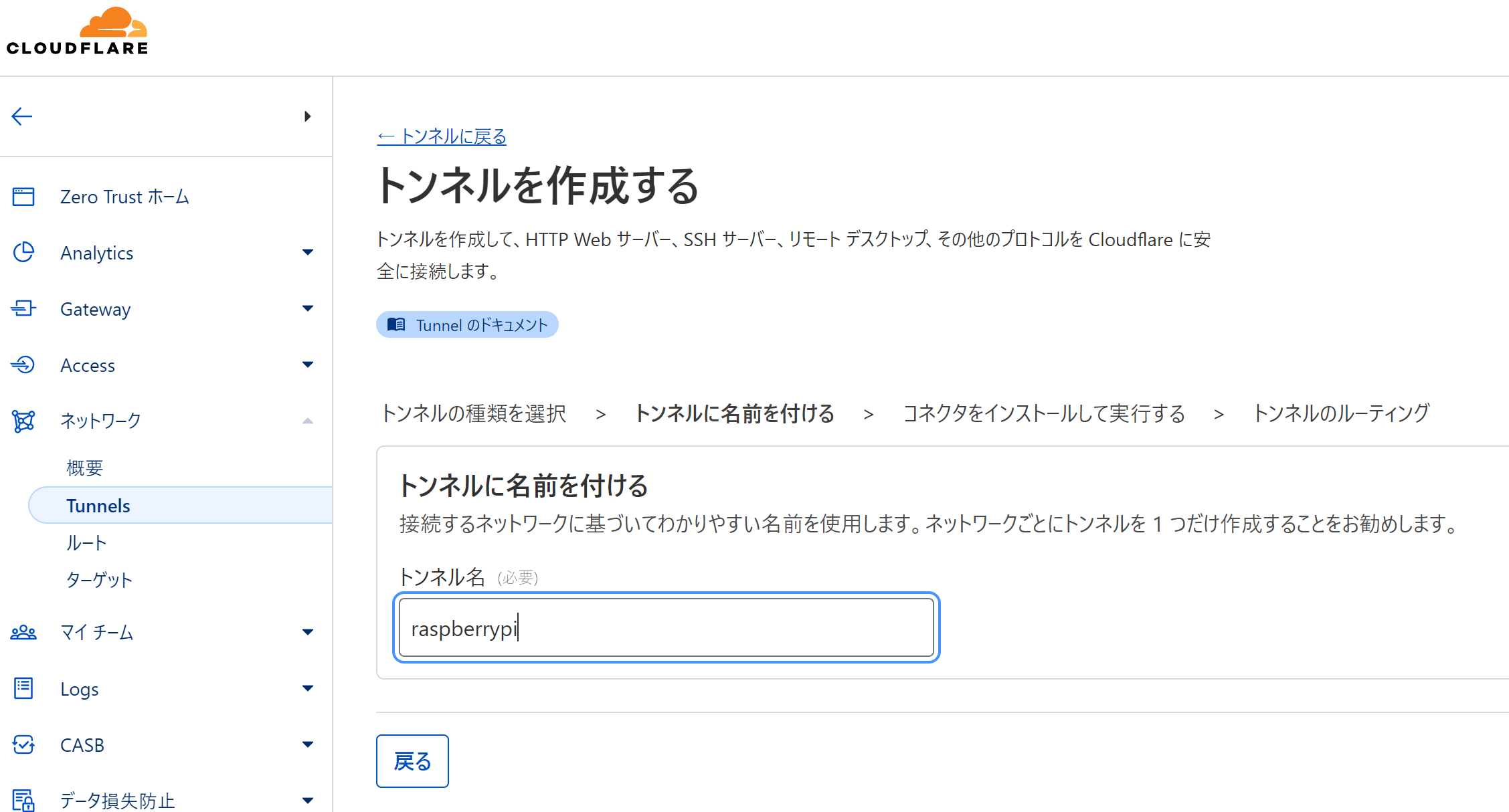
Save Tunnel Name for Cloudflare

Installing cloudflared

# Add cloudflared.repo to /etc/yum.repos.d/
curl -fsSl https://pkg.cloudflare.com/cloudflared-ascii.repo | sudo tee /etc/yum.repos.d/cloudflared.repo

sudo dnf clean packages

# Install cloudflared
sudo dnf install -y cloudflared --nogpgcheck

Starting cloudflared service

sudo cloudflared service install xxxxxxxxxxxxxxxxxxxxxxxxxxxxxxxxxxxxxxxxxxxxxxxxxxxxxxxxxxxxxxxxxxxxxxxxxxxxxxxxxxxxxxxxxxxxxxxxxxxxxxxxxxxxxxxxxxxxxxxxxxxxxxxxxxxxxxxxxxxxxxxxxxxxxxxxxxxxxxxxxxxxxxxxxxxxxxxxxxxxxxxx

Routing traffic

Set the hostname's subdomain and domain, service type, and URL.
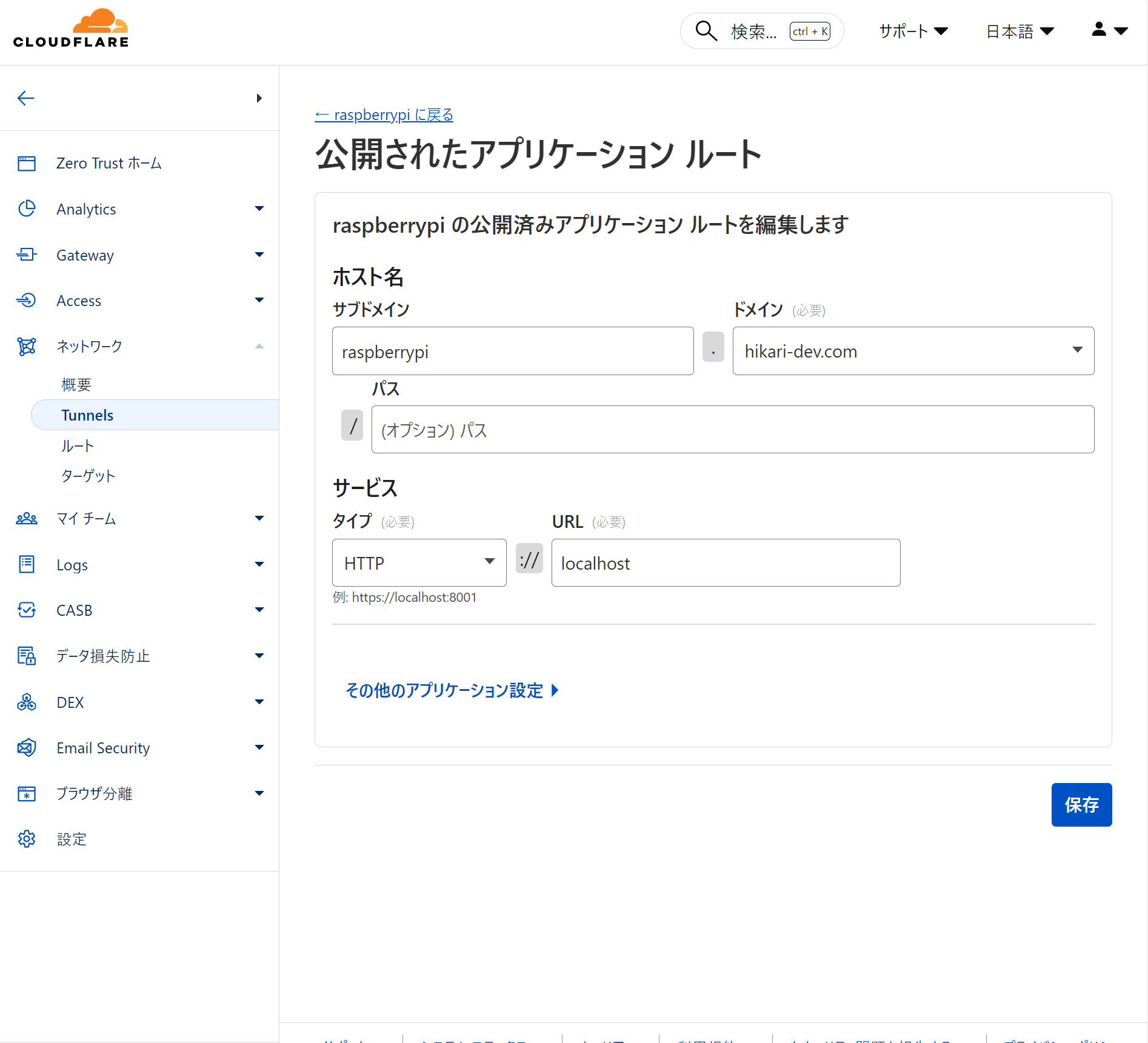
alt text

Click "Complete setup".

What is SSHA generated by slappaasswd in OpenLDAP

What is the slappaasswd command?

The slappaasswd command is a command for generating passwords for OpenLDAP, which uses SSHA by default to hash the password.

Authentication mechanism

In SSHA, the last 4 bytes of the generated hash are the salt. Authentication is performed by generating a hash from the input password and the stored salt, and checking if it matches the stored hash.

The following program, when given a valid password (e.g., admin), will produce the same original hash and generated hash.

require 'base64'
require 'digest'

pass = 'admin'
ssha = '{SSHA}23AUBfRZytVFNpe7onuFhyCSJOHRzCWh'
ssha =~ /{.+}(.+)/
salt256s = Base64.decode64(Regexp.last_match(1)).unpack('C*'[-4..-1])

salt = salt256s.pack('C*')
b_ssha = Digest::SHA1.digest(pass + salt)
Base64.strict_encode64(
(b_ssha.unpack('C*') + salt256s).pack('C*')
)

[EOL]

Setting up a DNS server in WSL2

Disabling automatic generation of /etc/resolv.conf

Edit /etc/wsl.conf as follows:

[network]
generateResolvConf = false

Creating /etc/resolv.conf

For example, if the DNS server is 1.1.1.1, edit /etc/resolv.conf as follows:

nameserver 1.1.1.1

Preventing Deletion

/etc/resolv.conf is deleted when WSL2 is restarted. To prevent this:

sudo chattr +i /etc/resolv.conf

Reference

SSH Tunnel

Local Port Forwarding

ssh -L [client_port]:[host_to_forward]:[host_to_forward_port]

Suppose there is a client A, an SSH server B, and a host C, and you want to forward C:8080 to port 80 on A.

ssh -L80:C:8080 B

With this forwarding, accessing http://localhost from A will display the same content as http://C:8080 on B.

In summary, even if C is not visible from A, you can access the home network via SSH if port 22 is open to the outside. If B is visible from A, you can forward C's port to A via B.

Using -g allows access to C:8080 from computers on A's network using A's hostname.

Remote Port Forwarding

ssh -R [client_port]:[host_to_forward]:[host_to_forward_port]

Unlike local forwarding, it forwards ports visible from the client instead of ports visible from the destination.

Suppose there is a client B, an SSH server A, and a host C, and you want to forward C:8080 to port 80 on A.

ssh -R80:C:8080 A

With this forwarding, accessing http://localhost from A will display the same content as http://C:8080 on B.

Even if B is not accessible from the outside, if a connection between B and A is established, you can forward the content of C to A. It is often used when you cannot directly operate B. When a connection between B and A is broken, tools like auto-ssh are often used to automatically reconnect.