5 posts tagged with "Python"

View all tags

Common Matplotlib (Pyplot) Code Examples

· 5 min read

I'll introduce commonly used code examples with graphs.

Table of Contents

Creating Graphs

First, import the required libraries.

import matplotlib.pyplot as plt
import numpy as np

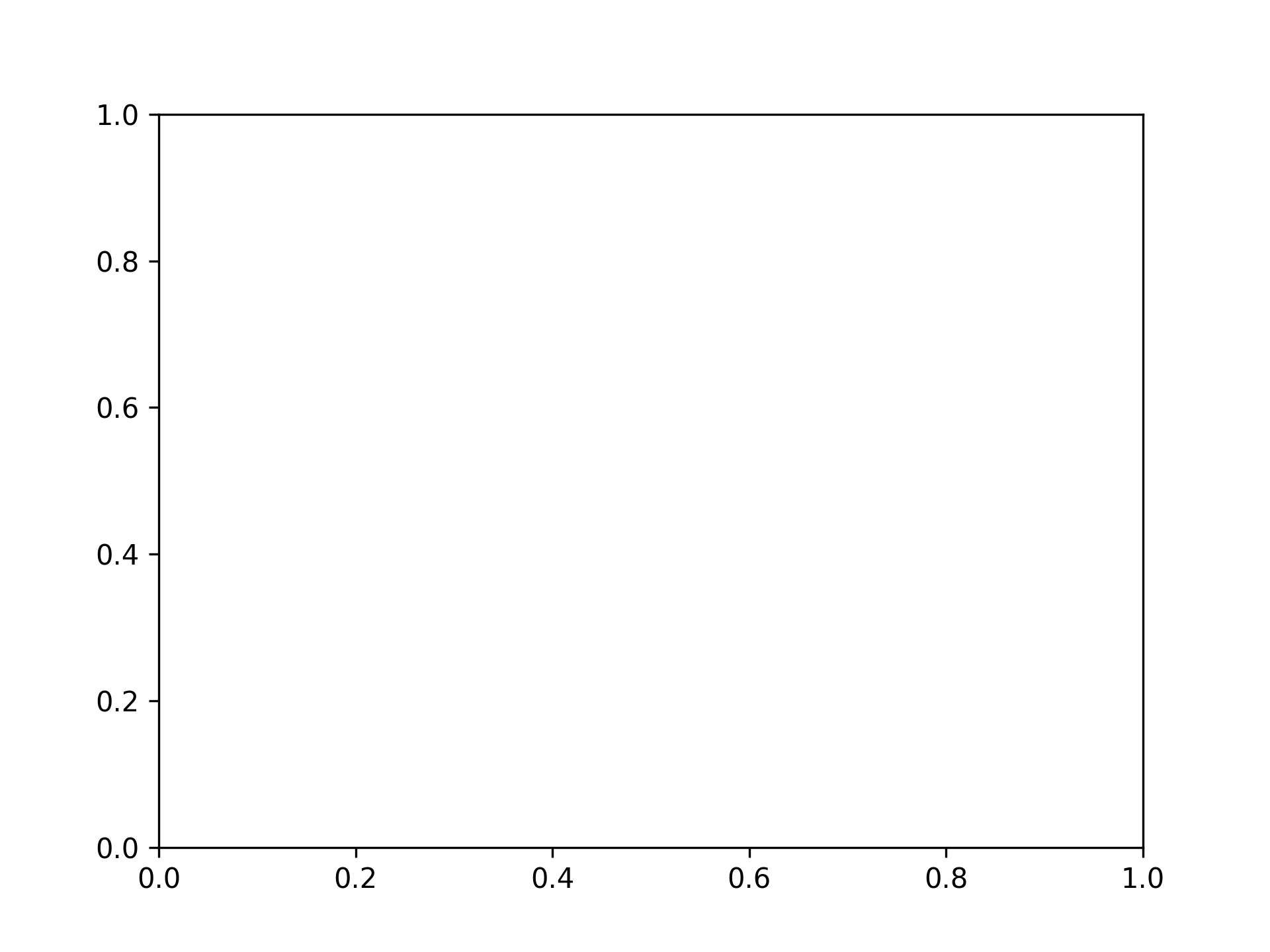
Single Graph

fig, ax = plt.subplots()

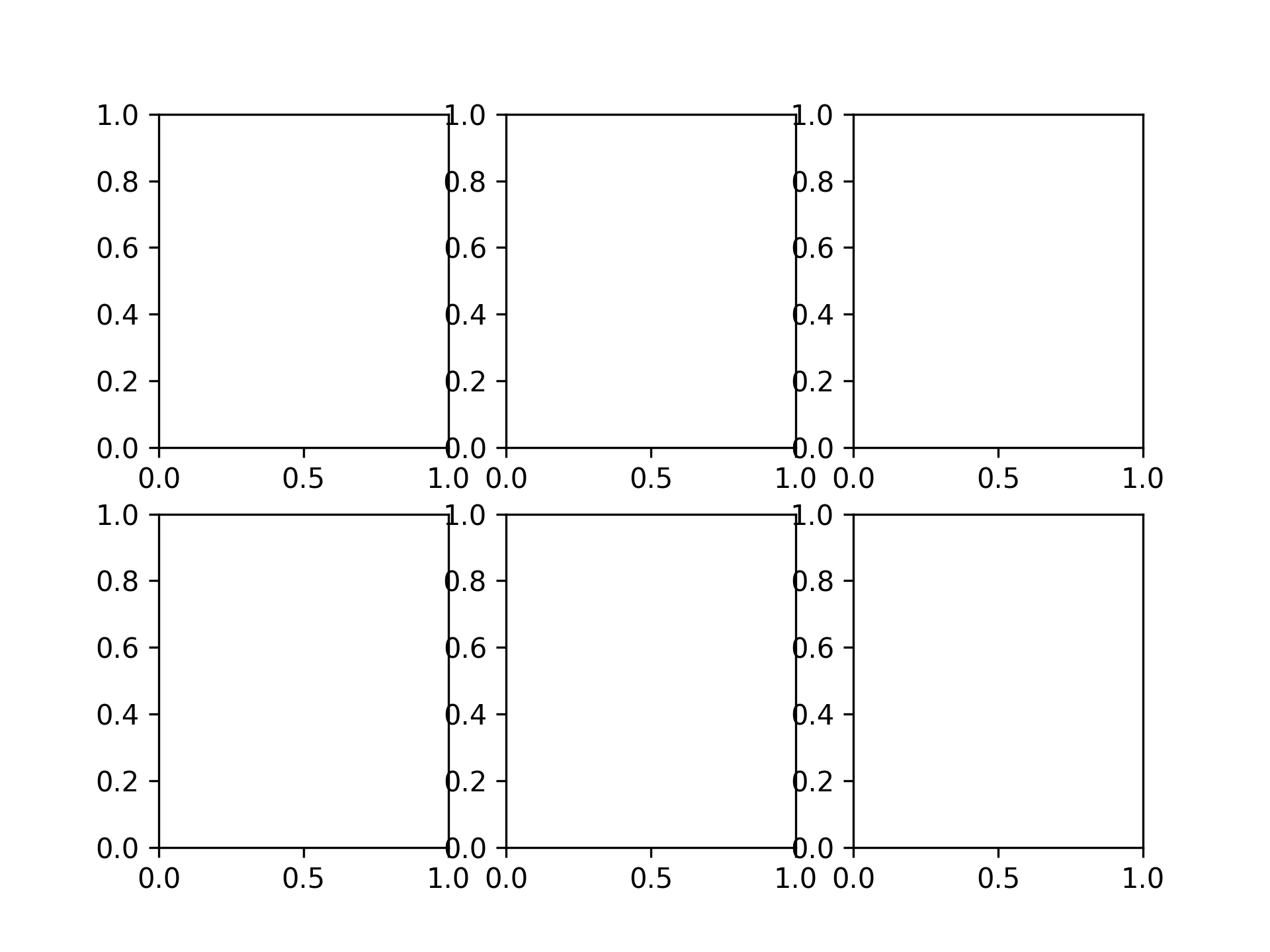
2 x 3 Graphs

fig, axs = plt.subplots(2, 3)

Plotting Graphs

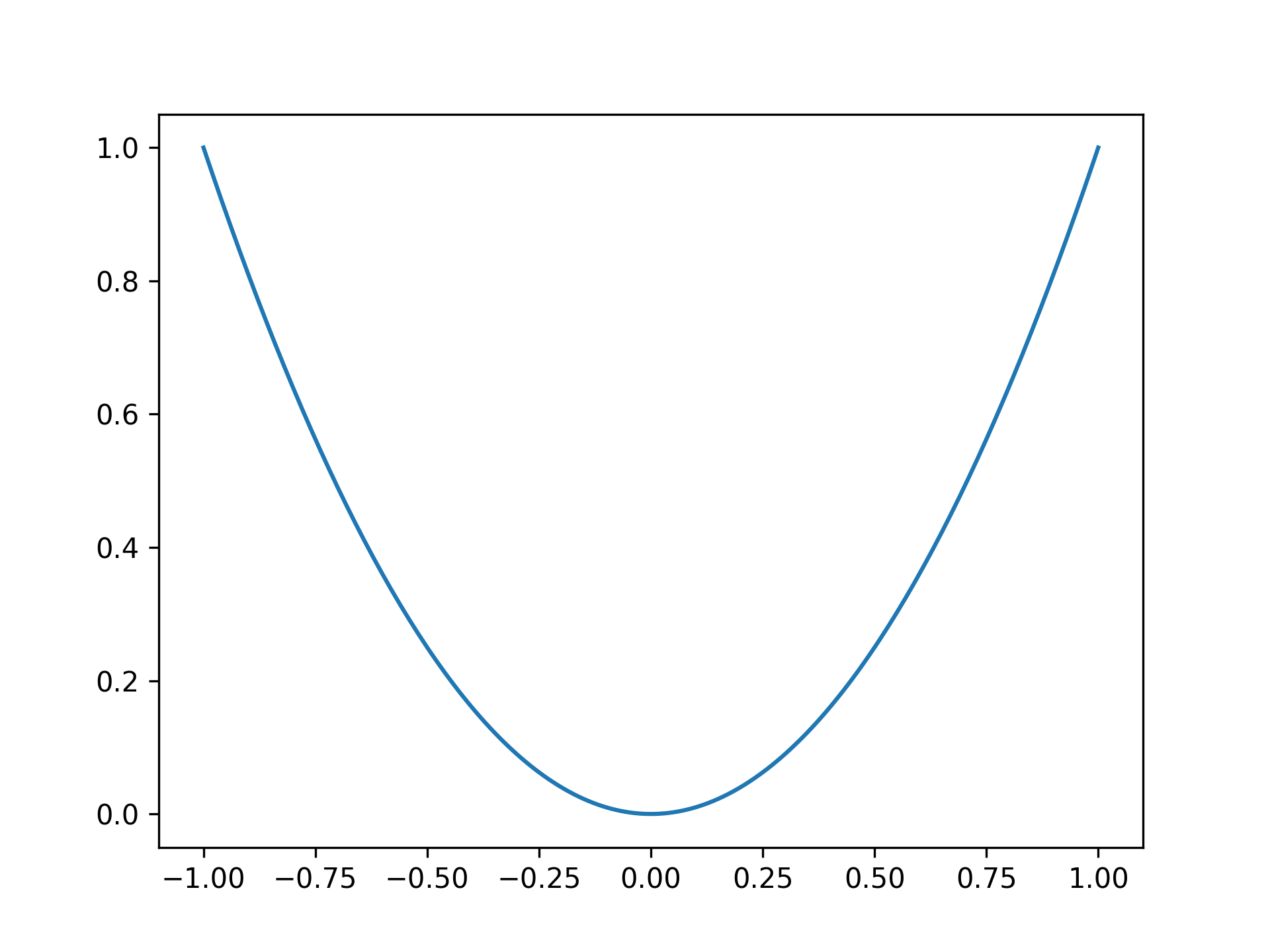
Plotting a parabola

x = np.linspace(-1, 1, 201)
y = x ** 2

fig, ax = plt.subplots()
ax.plot(x, y)

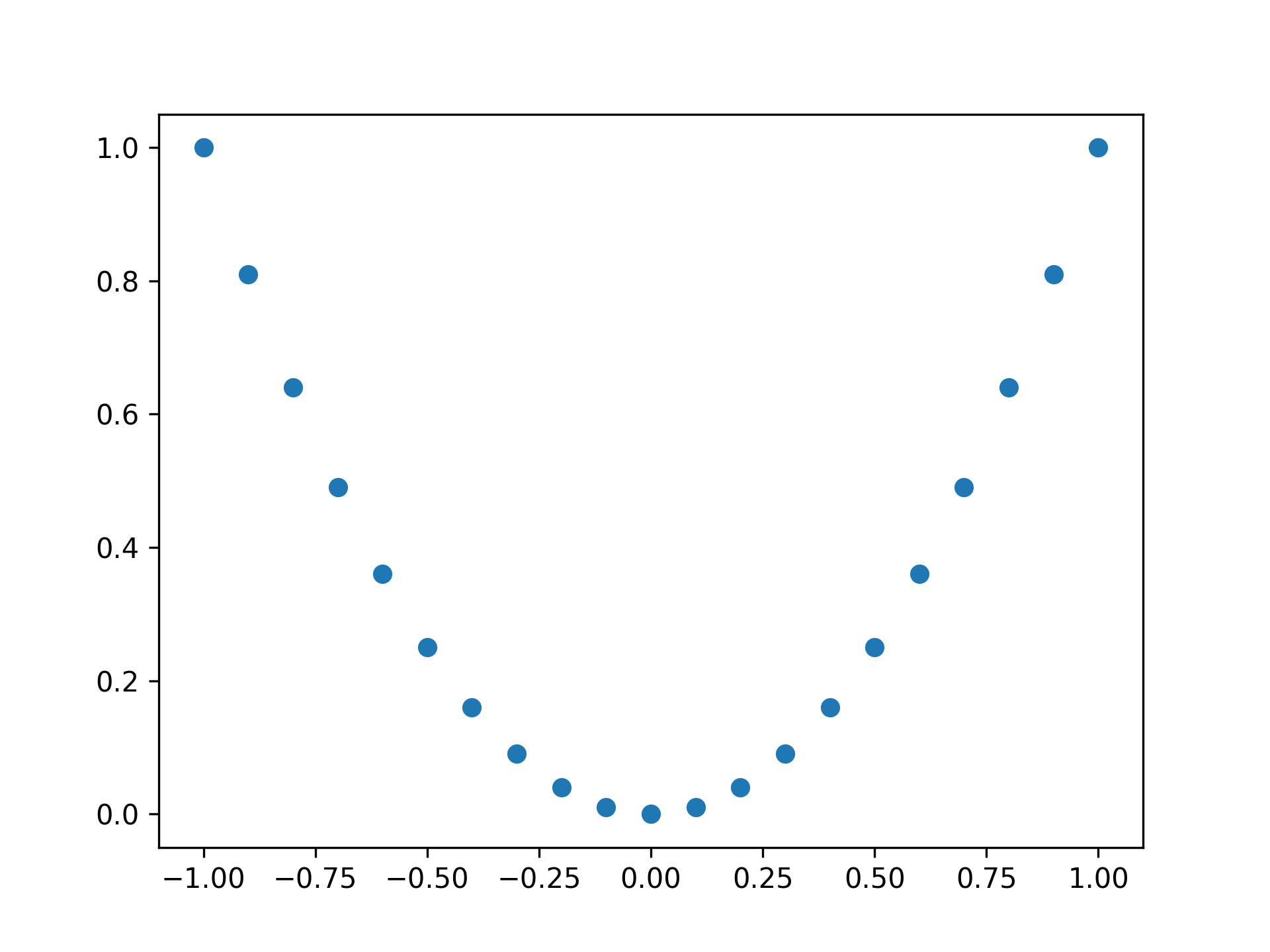
Plotting a parabola with points

fig, ax = plt.subplots()

x = np.linspace(-1, 1, 21)
y = x ** 2

ax.plot(x, y, 'o')

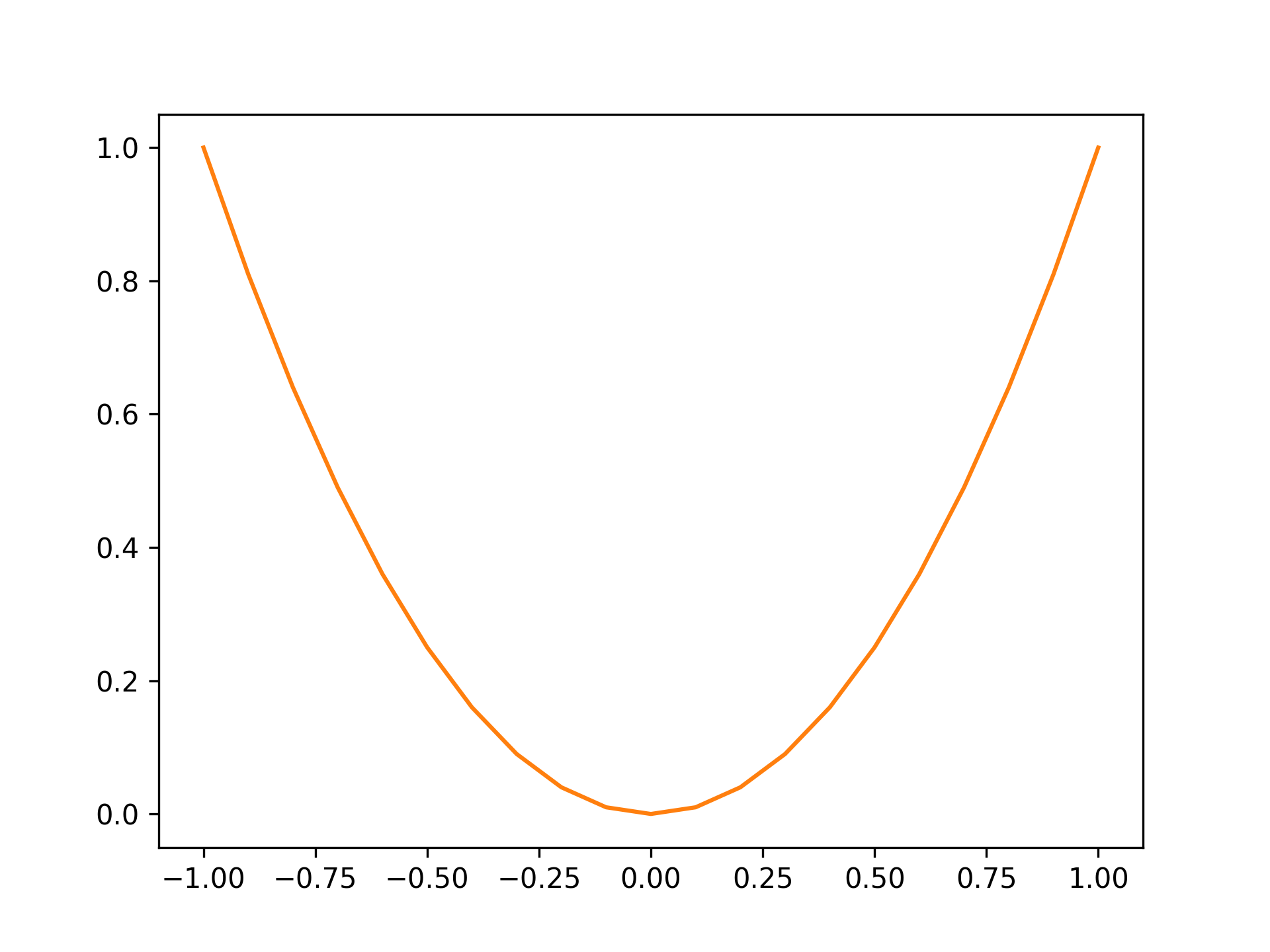
Setting color to orange

fig, ax = plt.subplots()

x = np.linspace(-1, 1, 21)
y = x ** 2

ax.plot(x, y, color="tab:orange")

Standard colors are as follows:

ColorString
Bluetab:blue
Orangetab:orange
Greentab:green
Redtab:red
Purpletab:purple
Browntab:brown
Pinktab:pink
Graytab:gray
Olivetab:olive
Cyantab:cyan

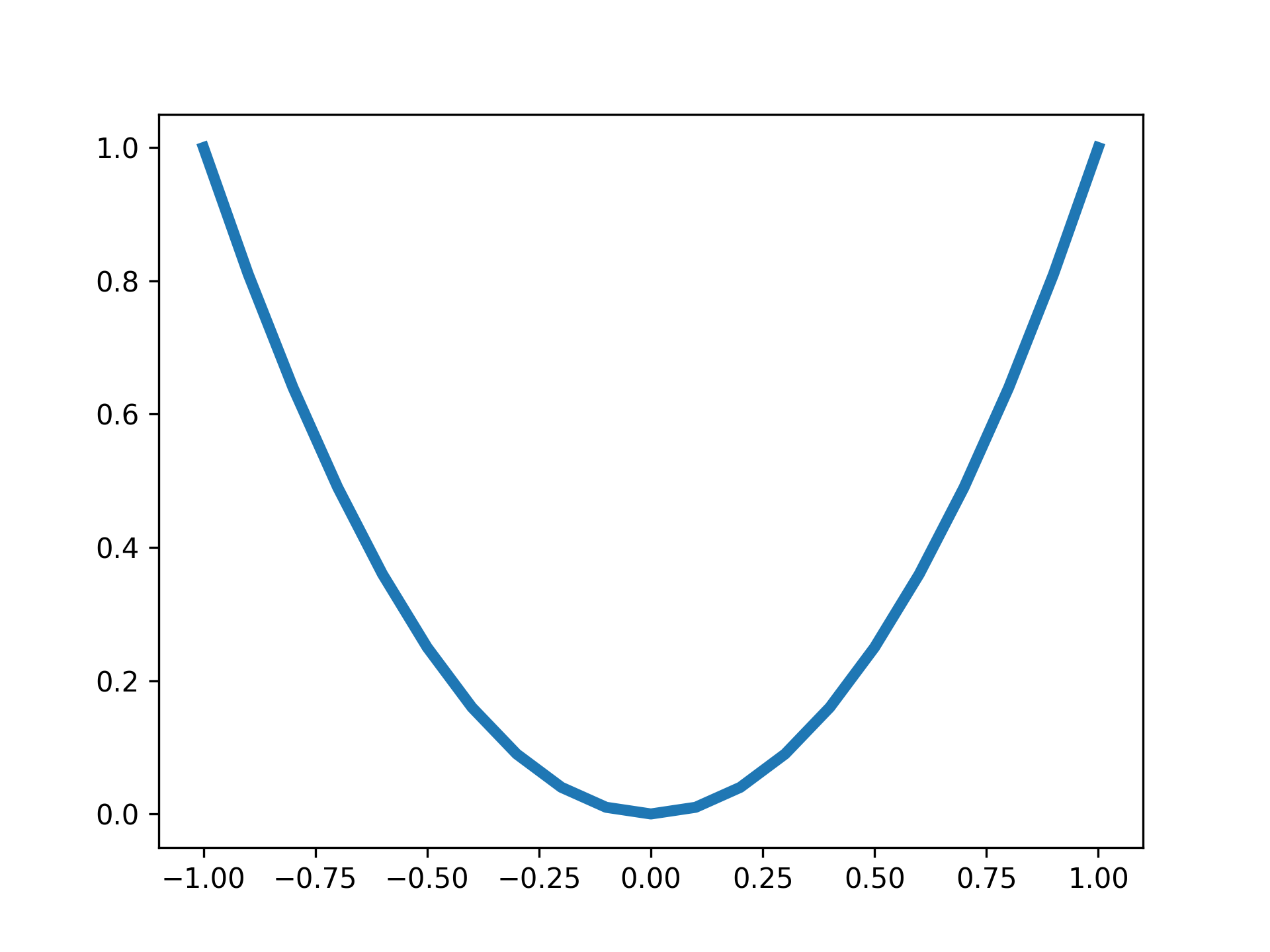
Setting line width to 4

fig, ax = plt.subplots()

x = np.linspace(-1, 1, 21)
y = x ** 2

ax.plot(x, y, lw=4)

Setting Titles

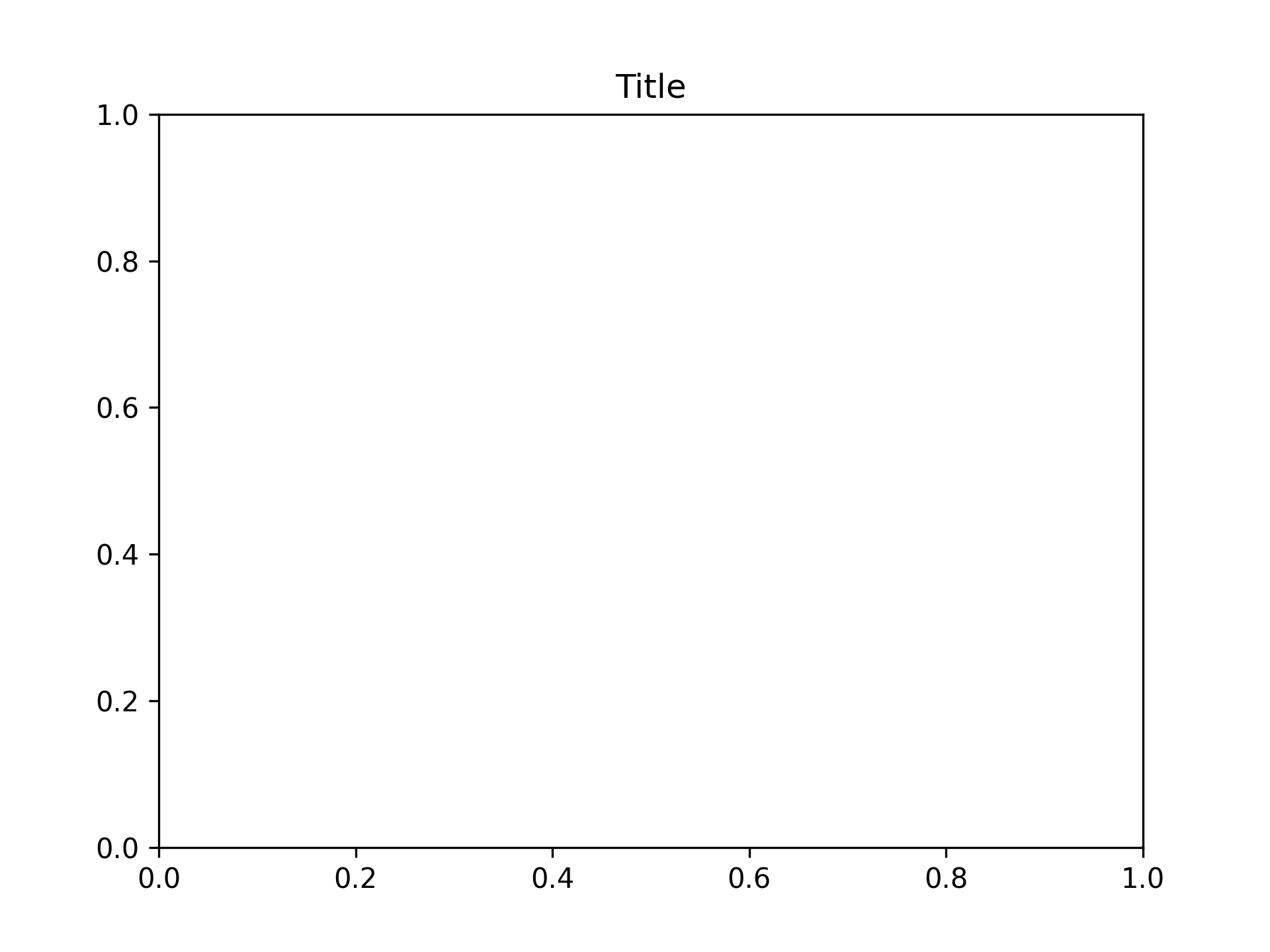
Setting title to "Title"

fig, ax = plt.subplots()
ax.set_title("Title")

Setting Axis Labels

Setting X-Axis Labels

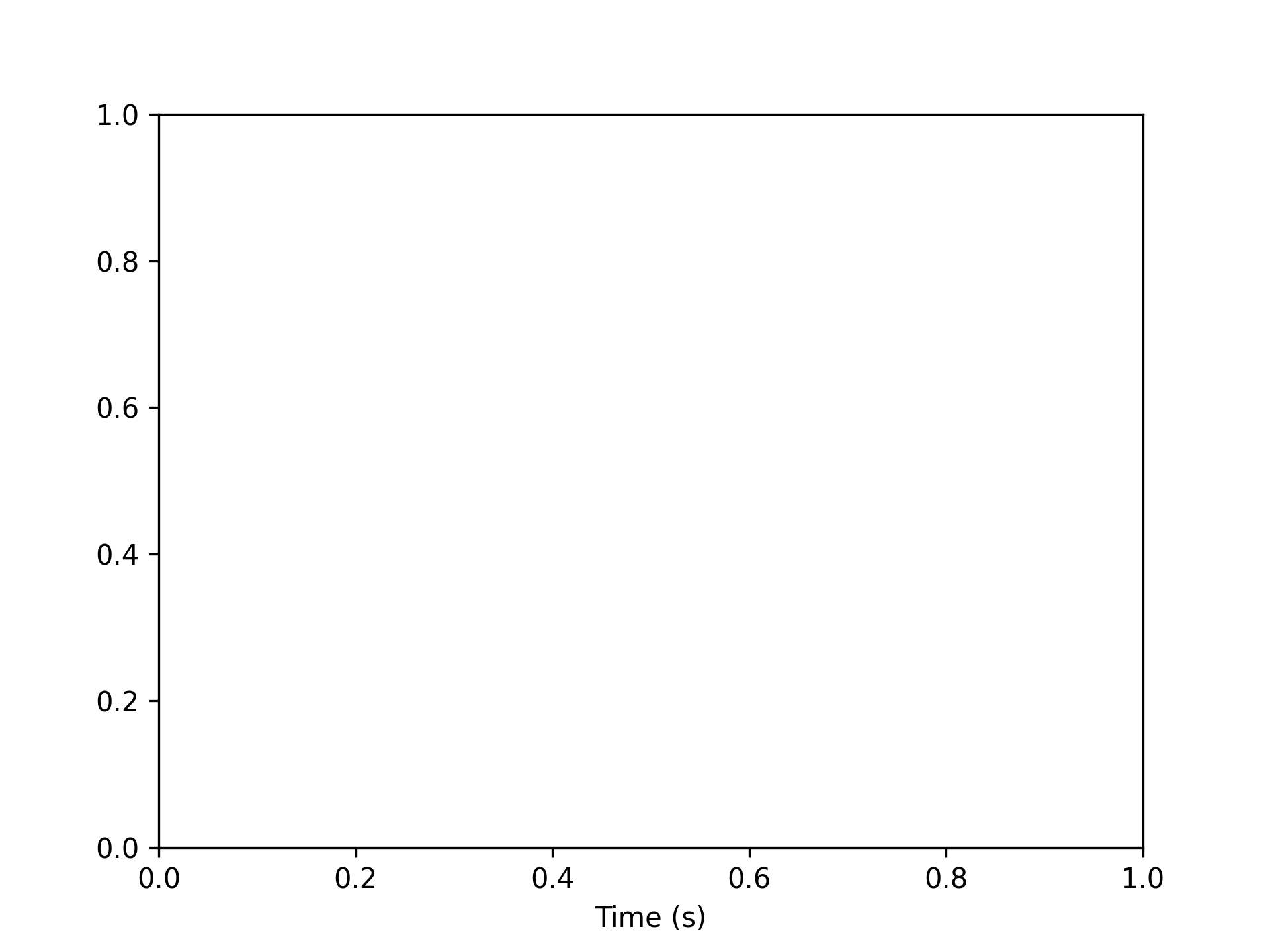
Setting x-axis label to "Time (s)"

fig, ax = plt.subplots()
ax.set_xlabel("Time (s)")

Setting Y-Axis Labels

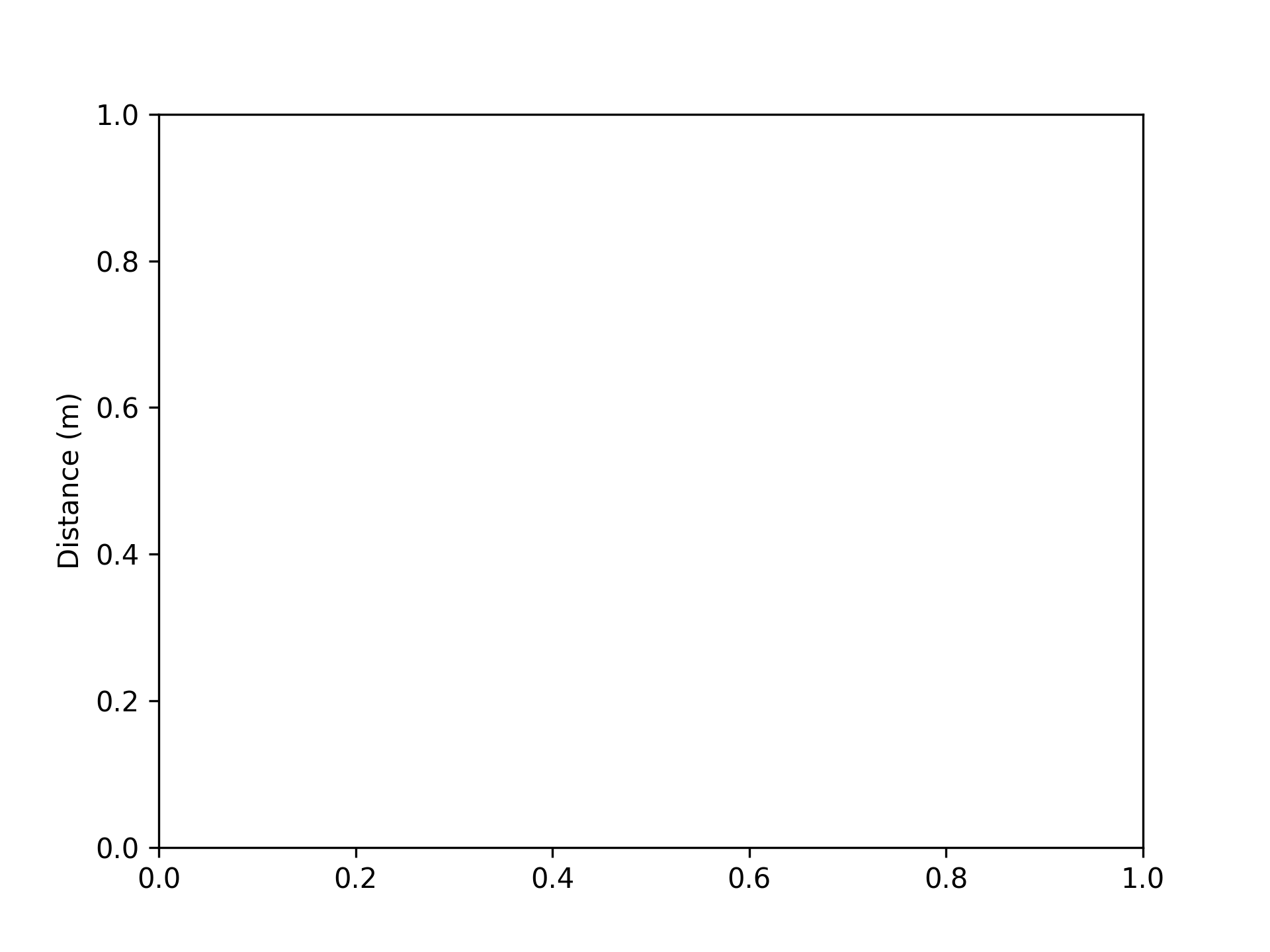
Setting y-axis label to "Distance (m)"

fig, ax = plt.subplots()
ax.set_ylabel("Distance (m)")

Setting Graph Top and Bottom

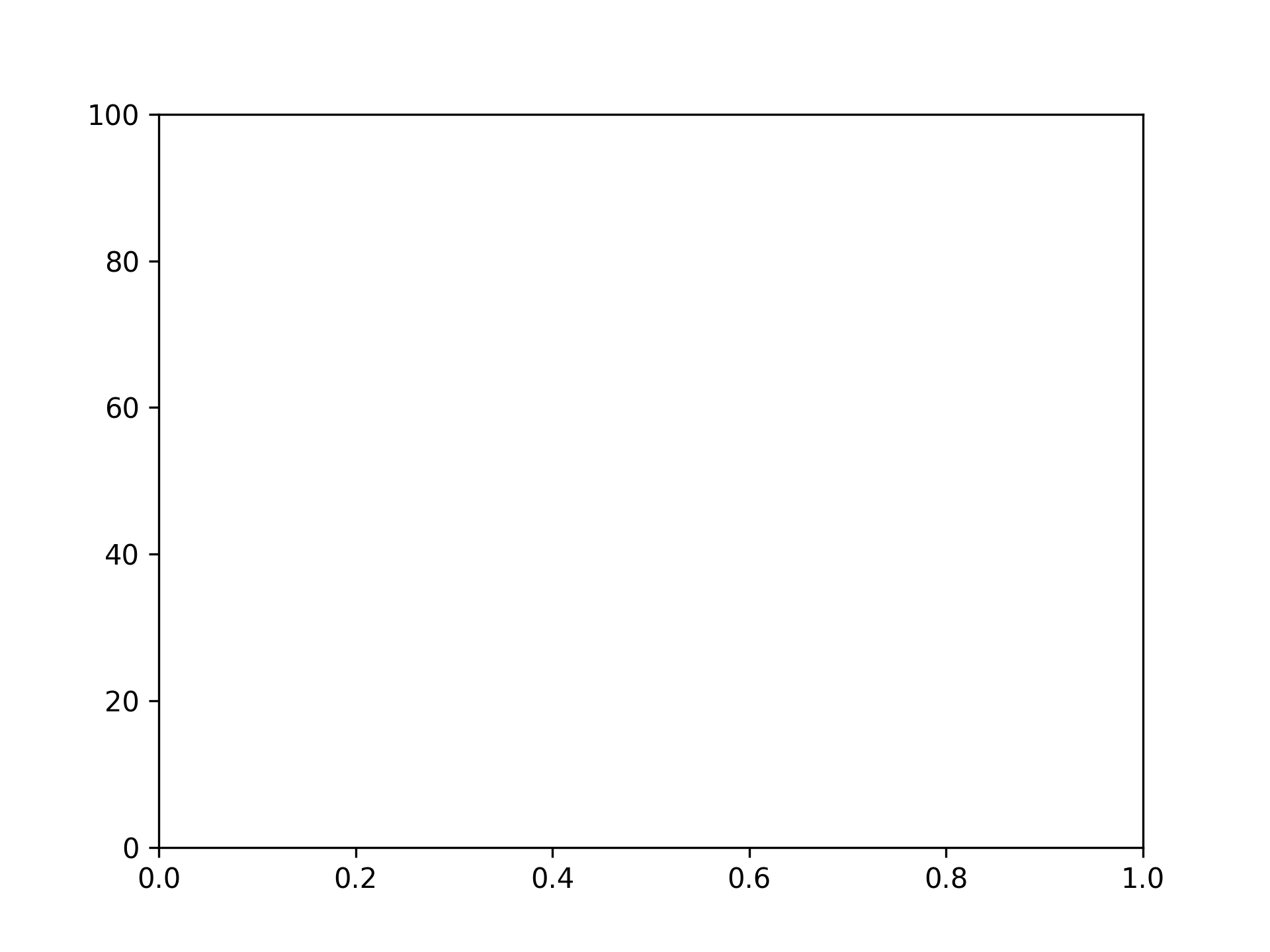
Setting top to 100

fig, ax = plt.subplots()
ax.set_ylim(top=100)

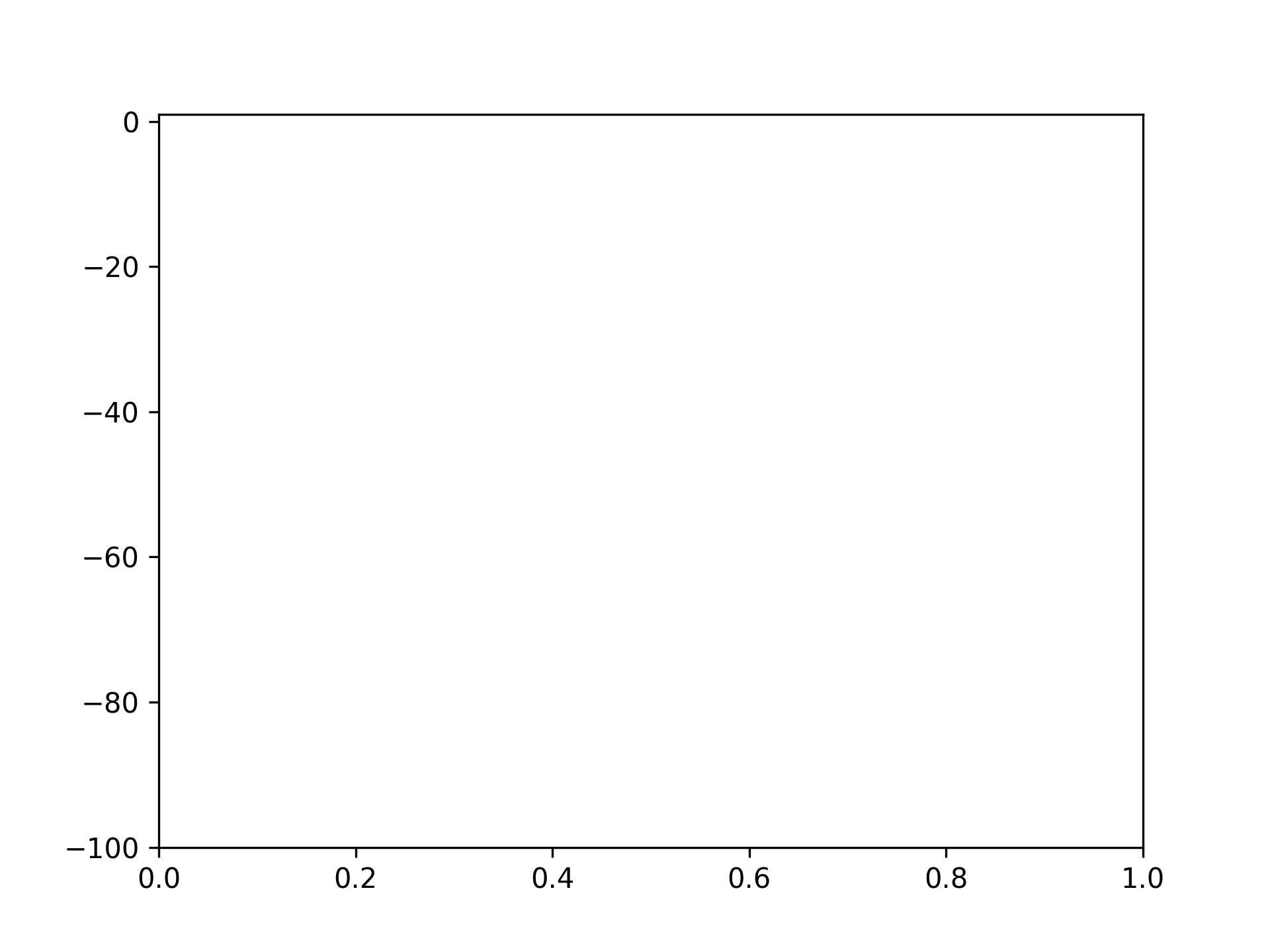
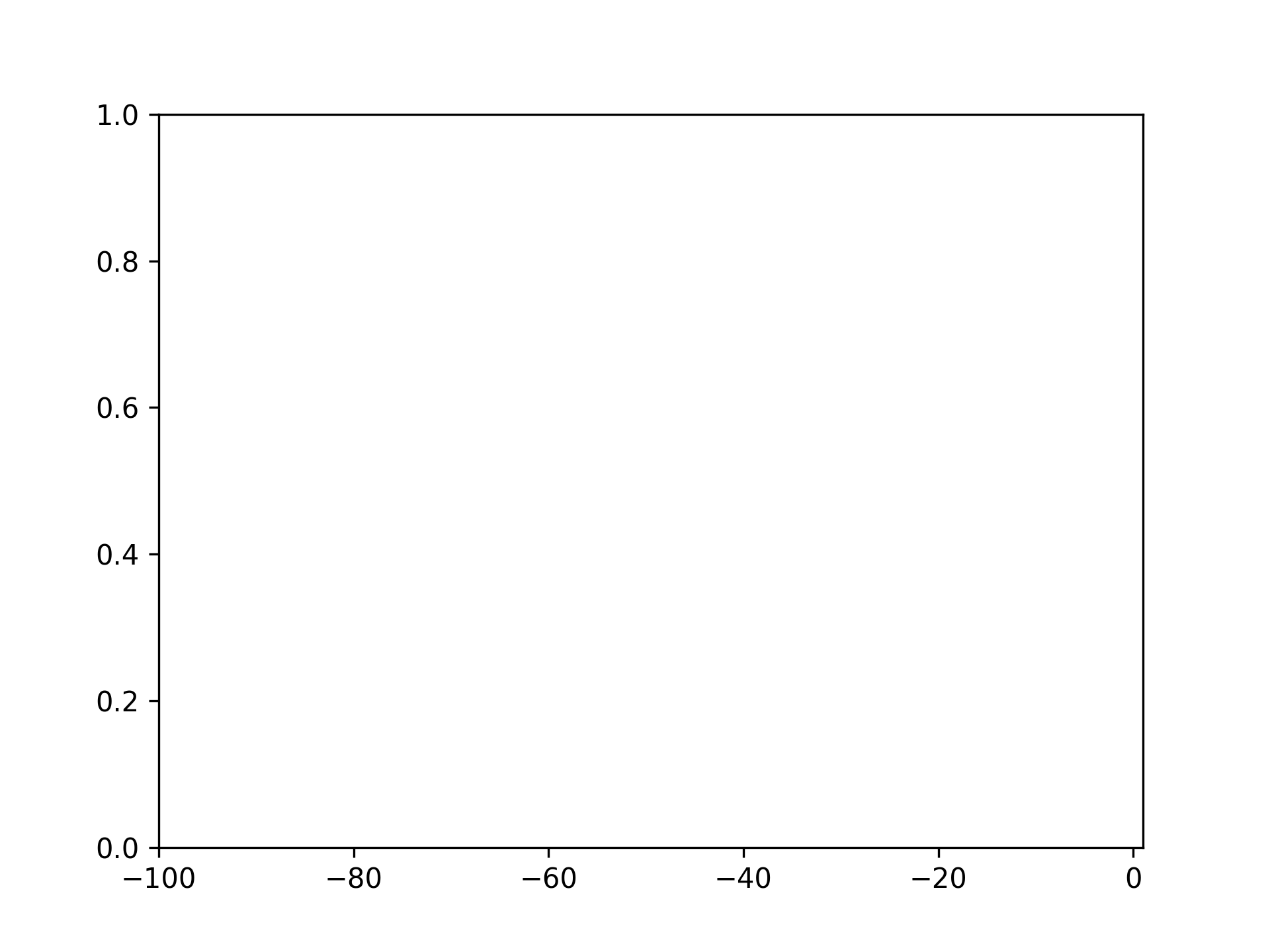
Setting bottom to -100

fig, ax = plt.subplots()
ax.set_ylim(bottom=-100)

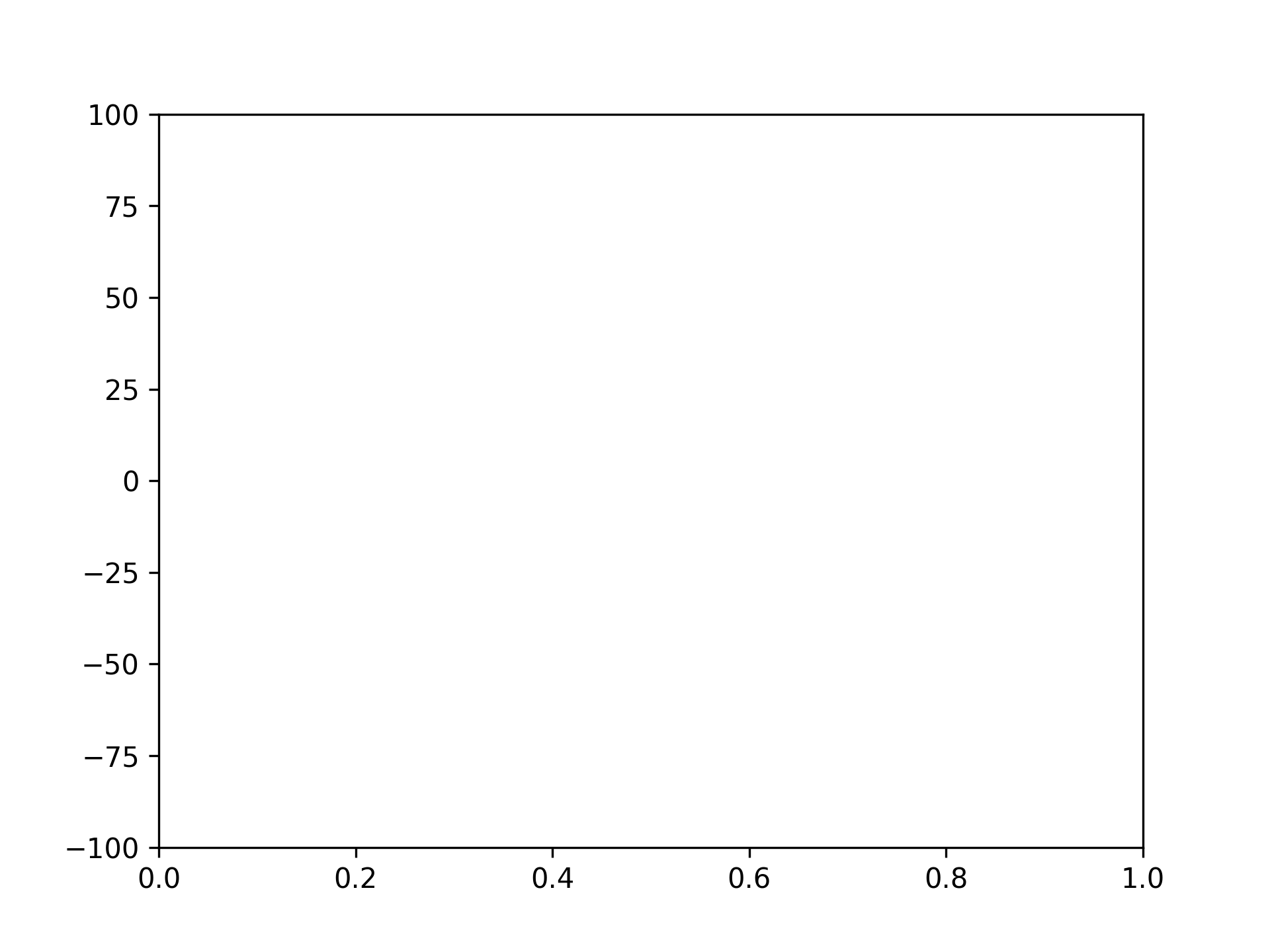
Setting top to 100 and bottom to -100

fig, ax = plt.subplots()
ax.set_ylim([-100, 100])

Setting Graph Left and Right

Setting left to -100

fig, ax = plt.subplots()
ax.set_xlim(left=-100)

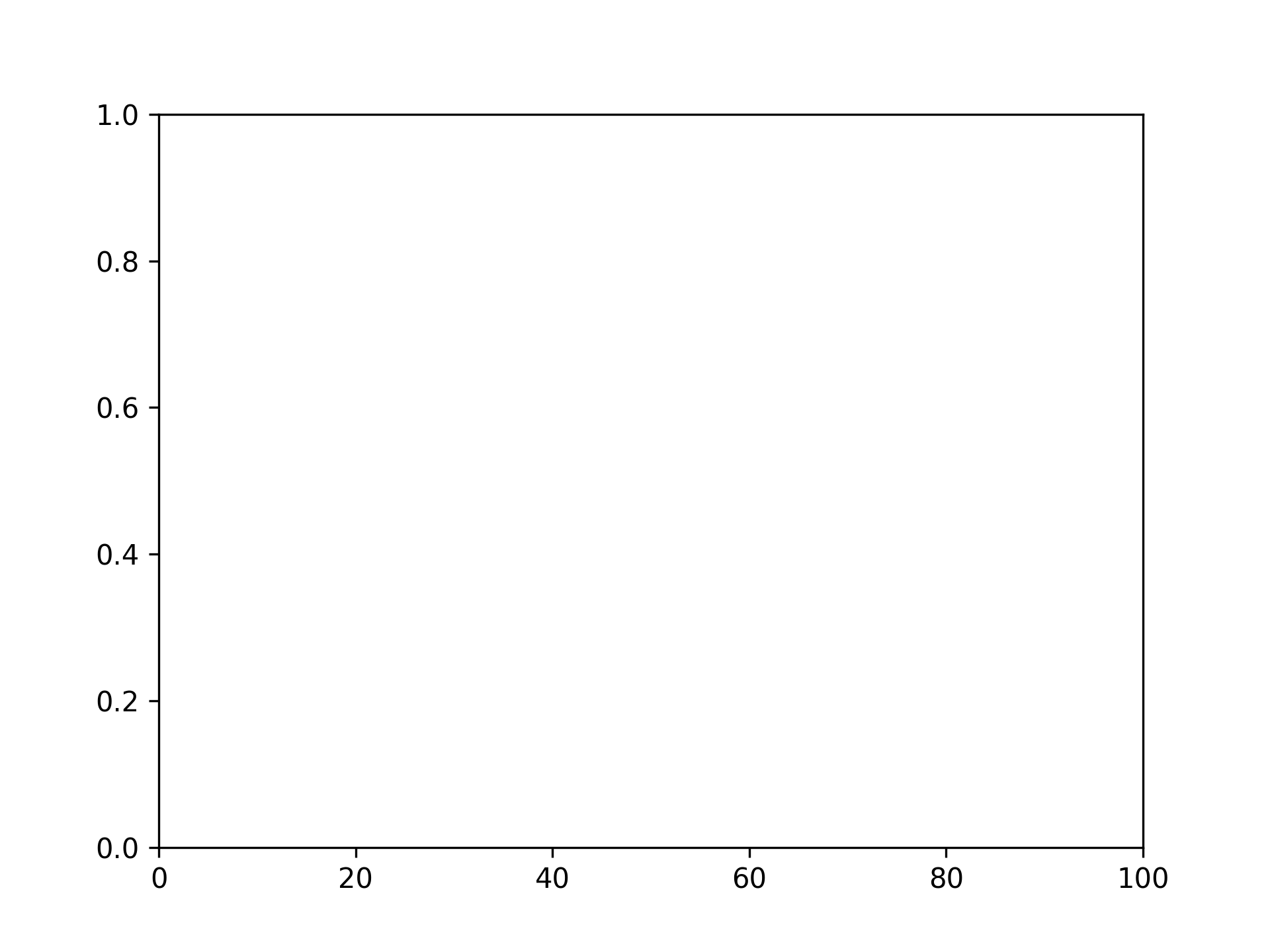
Setting right to 100

fig, ax = plt.subplots()
ax.set_xlim(right=100)

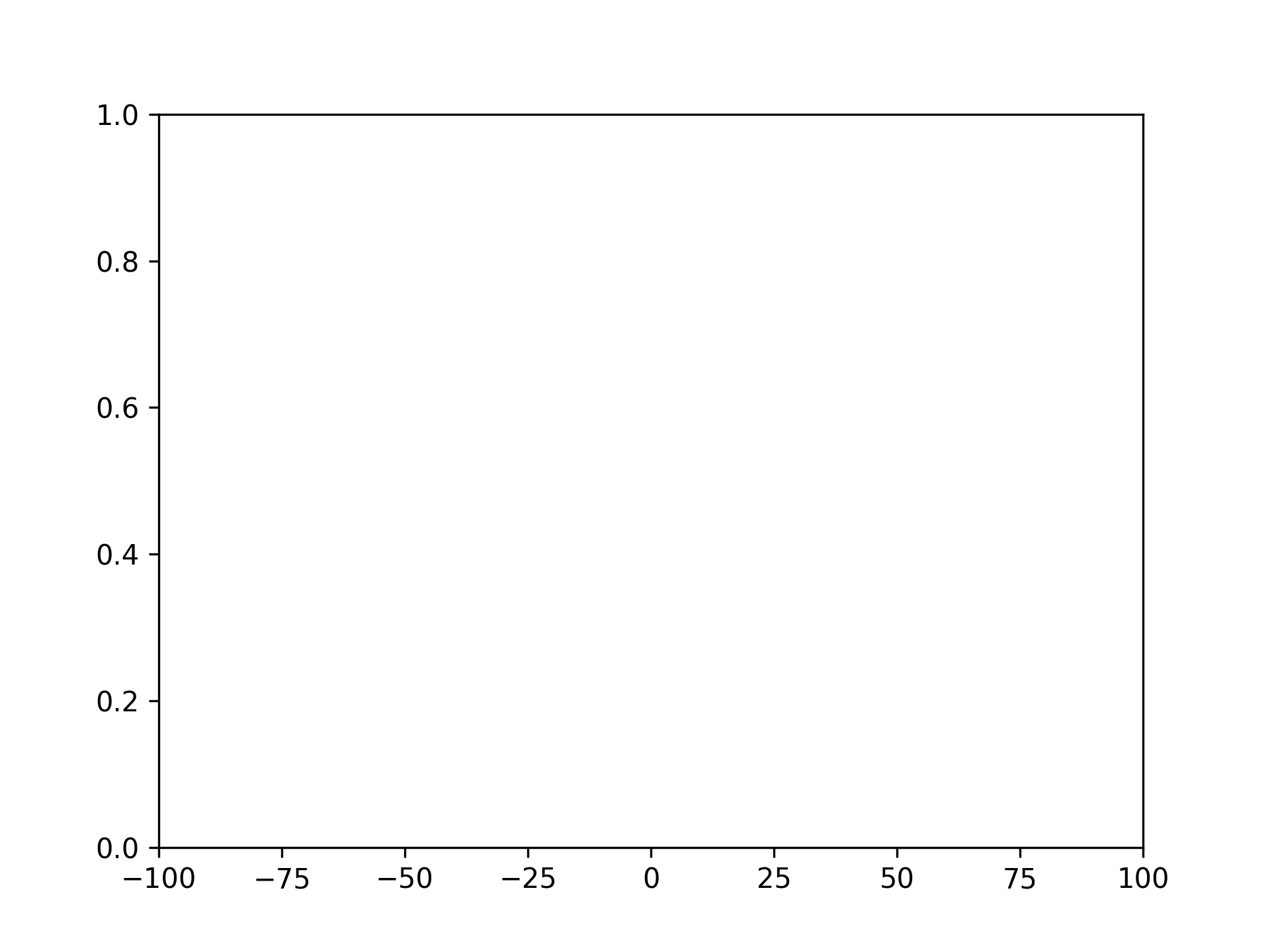
Setting left to -100 and right to 100

fig, ax = plt.subplots()
ax.set_xlim([-100, 100])

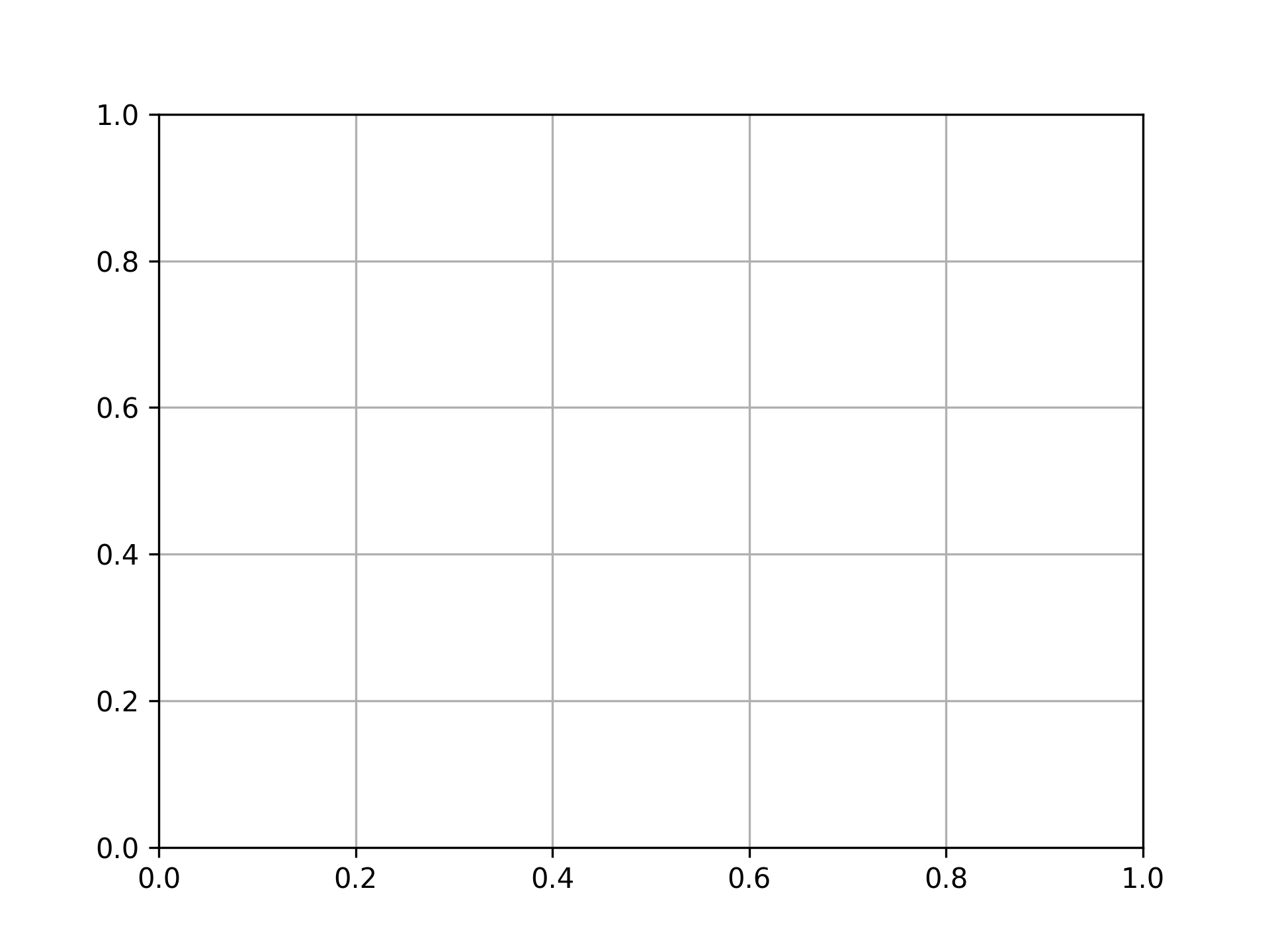
Displaying Grid

fig, ax = plt.subplots()
ax.grid()

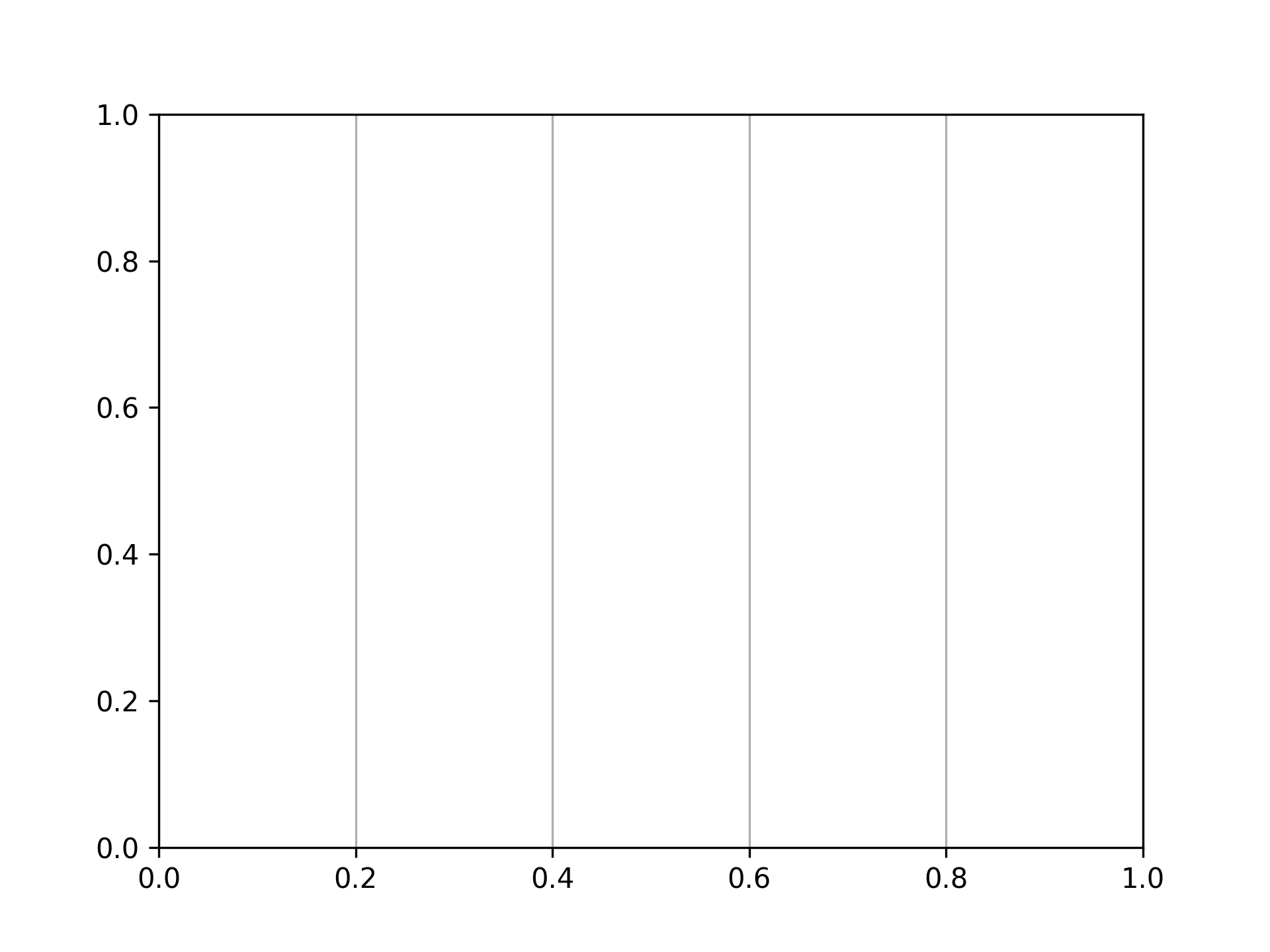
Displaying grid vertically only

fig, ax = plt.subplots()
ax.grid(axis="x")

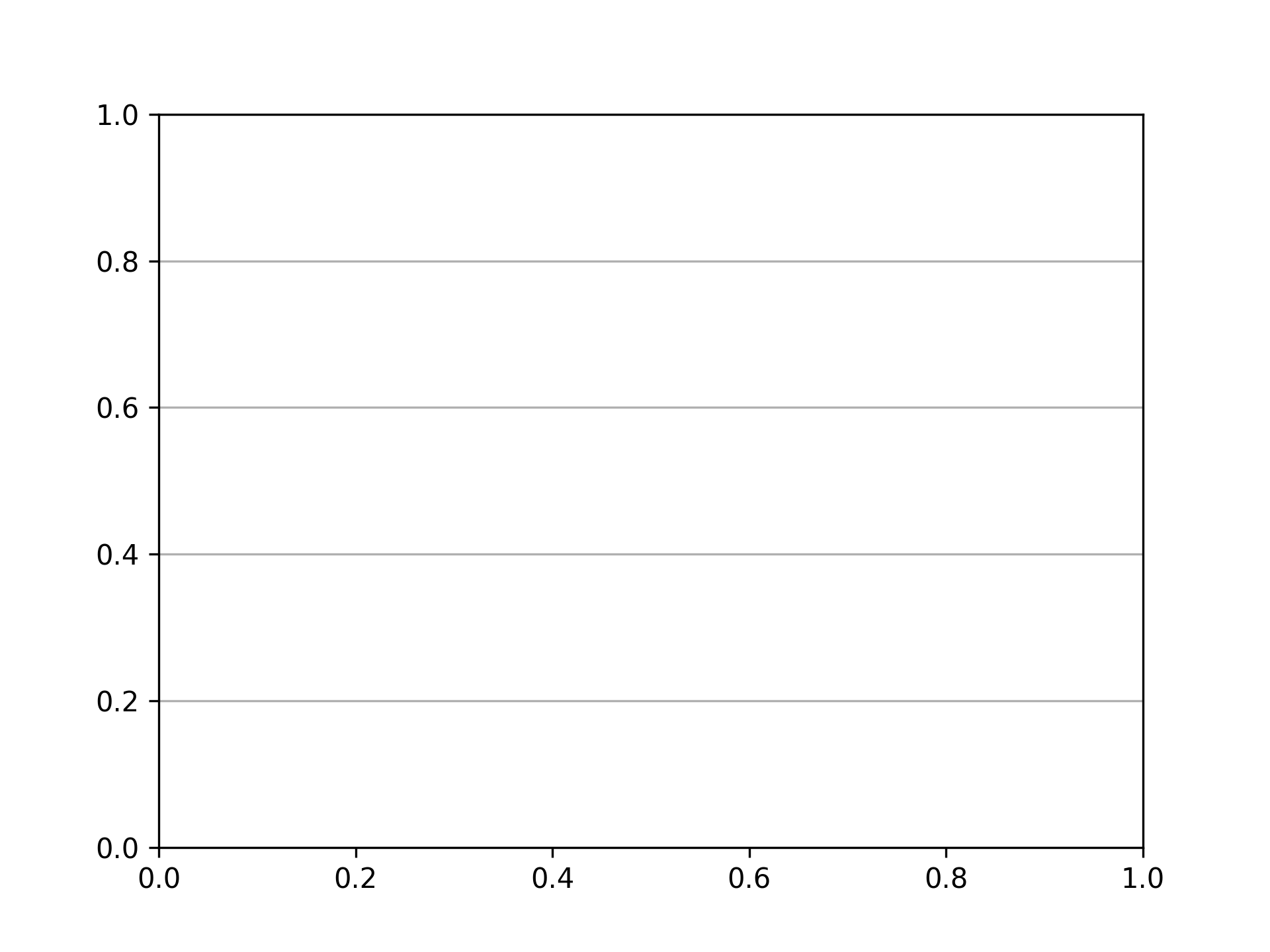
Displaying grid horizontally only

fig, ax = plt.subplots()
ax.grid(axis="y")

Setting Ticks

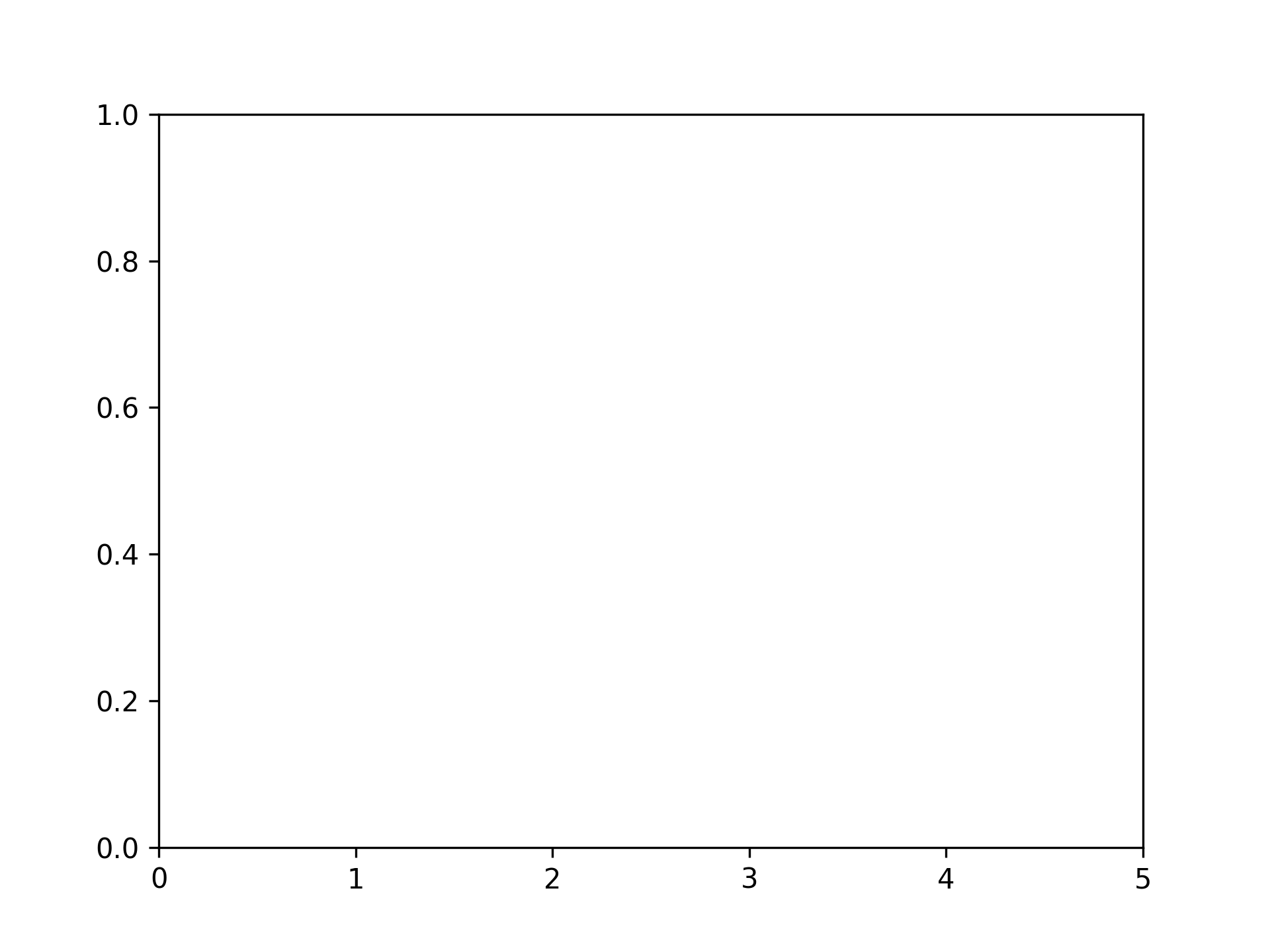
Setting x-axis ticks

fig, ax = plt.subplots()
xticks = range(6)
ax.set_xticks(xticks)

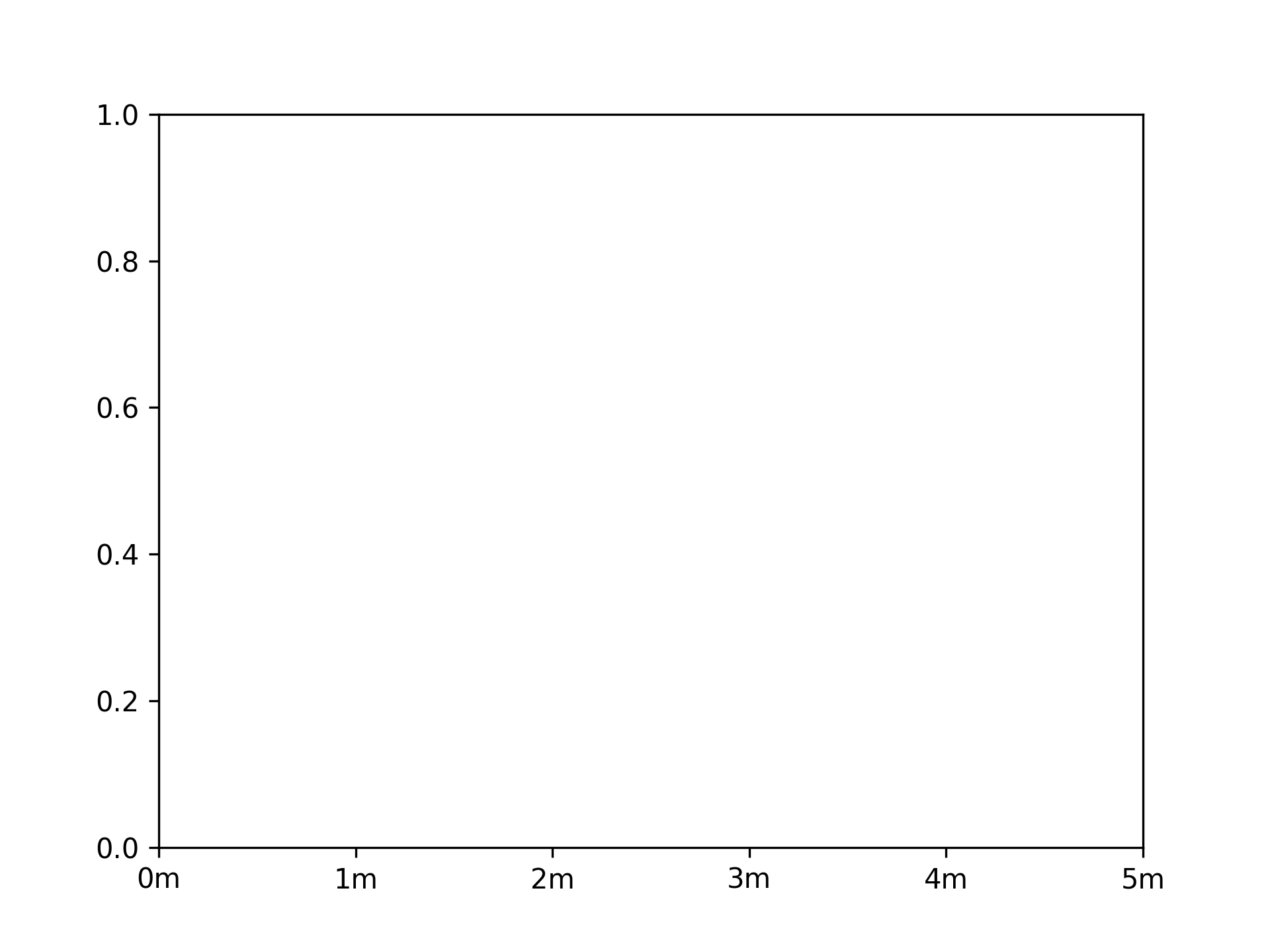
Setting x-axis ticks and tick labels

fig, ax = plt.subplots()
xticks = range(6)
ax.set_xticks(xticks, [f"{xtick}m" for xtick in xticks])

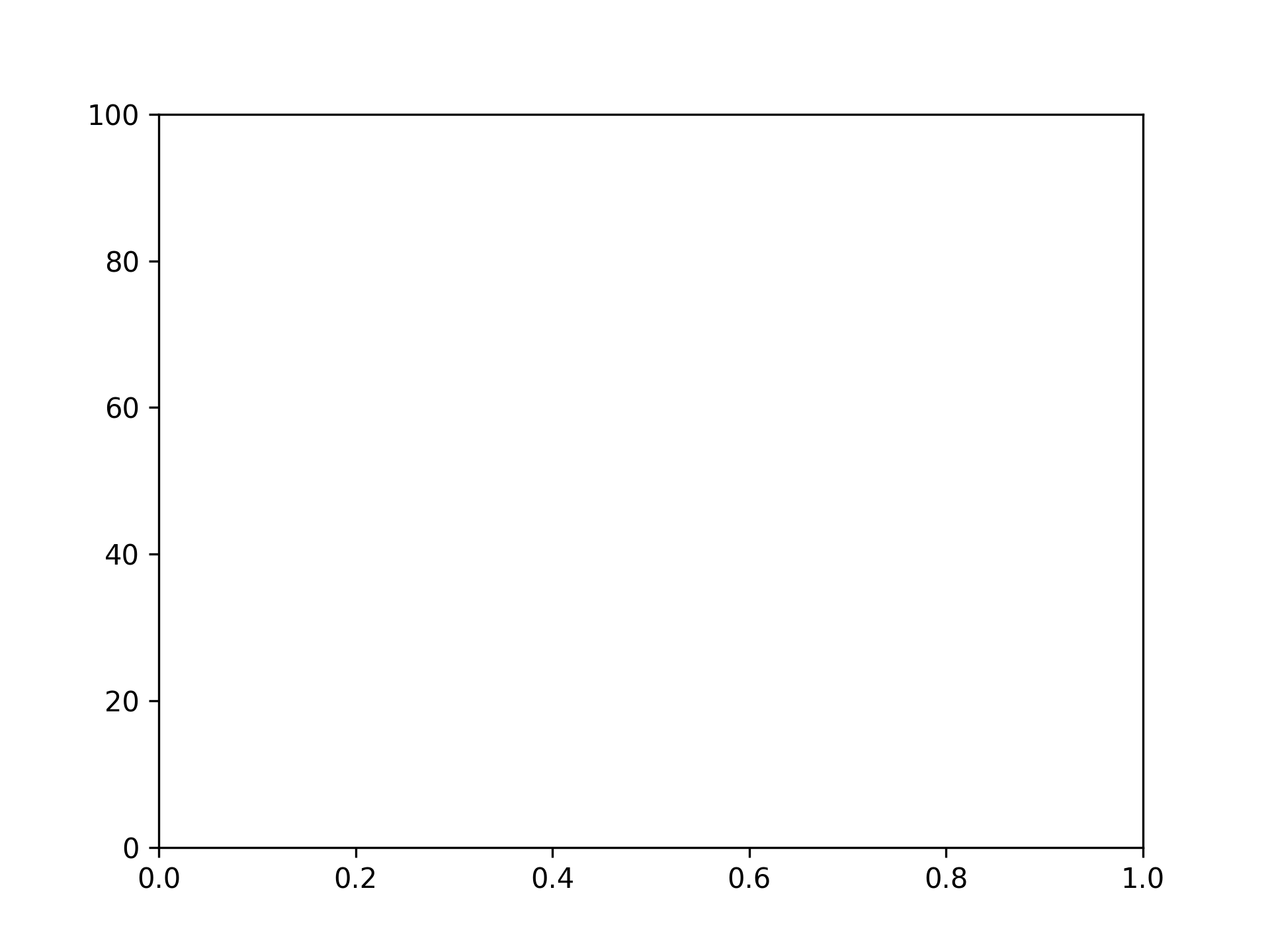
Setting y-axis ticks

fig, ax = plt.subplots()
yticks = [i * 20 for i in range(6)]
ax.set_yticks(yticks)

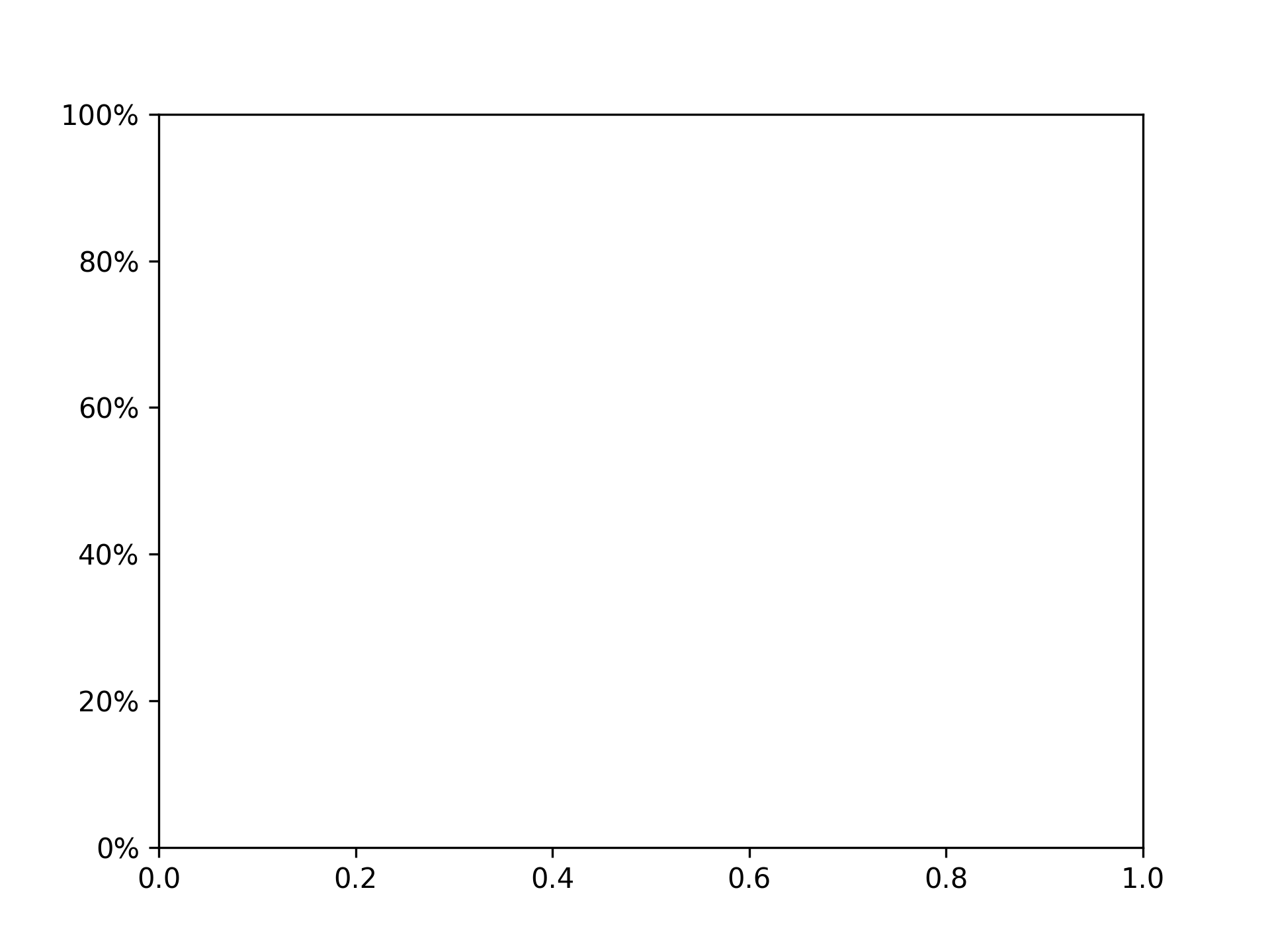
Setting y-axis ticks and tick labels

fig, ax = plt.subplots()
yticks = [i * 20 for i in range(6)]
ax.set_yticks(yticks, [f"{ytick}%" for ytick in yticks])

Removing Ticks

Removing x-axis ticks

fig, ax = plt.subplots()
ax.tick_params(bottom=False)

Removing x-axis tick labels

fig, ax = plt.subplots()
ax.tick_params(labelbottom=False)

Removing y-axis ticks

fig, ax = plt.subplots()
ax.tick_params(left=False)

Removing y-axis tick labels

fig, ax = plt.subplots()
ax.tick_params(labelleft=False)

Setting Tick Colors

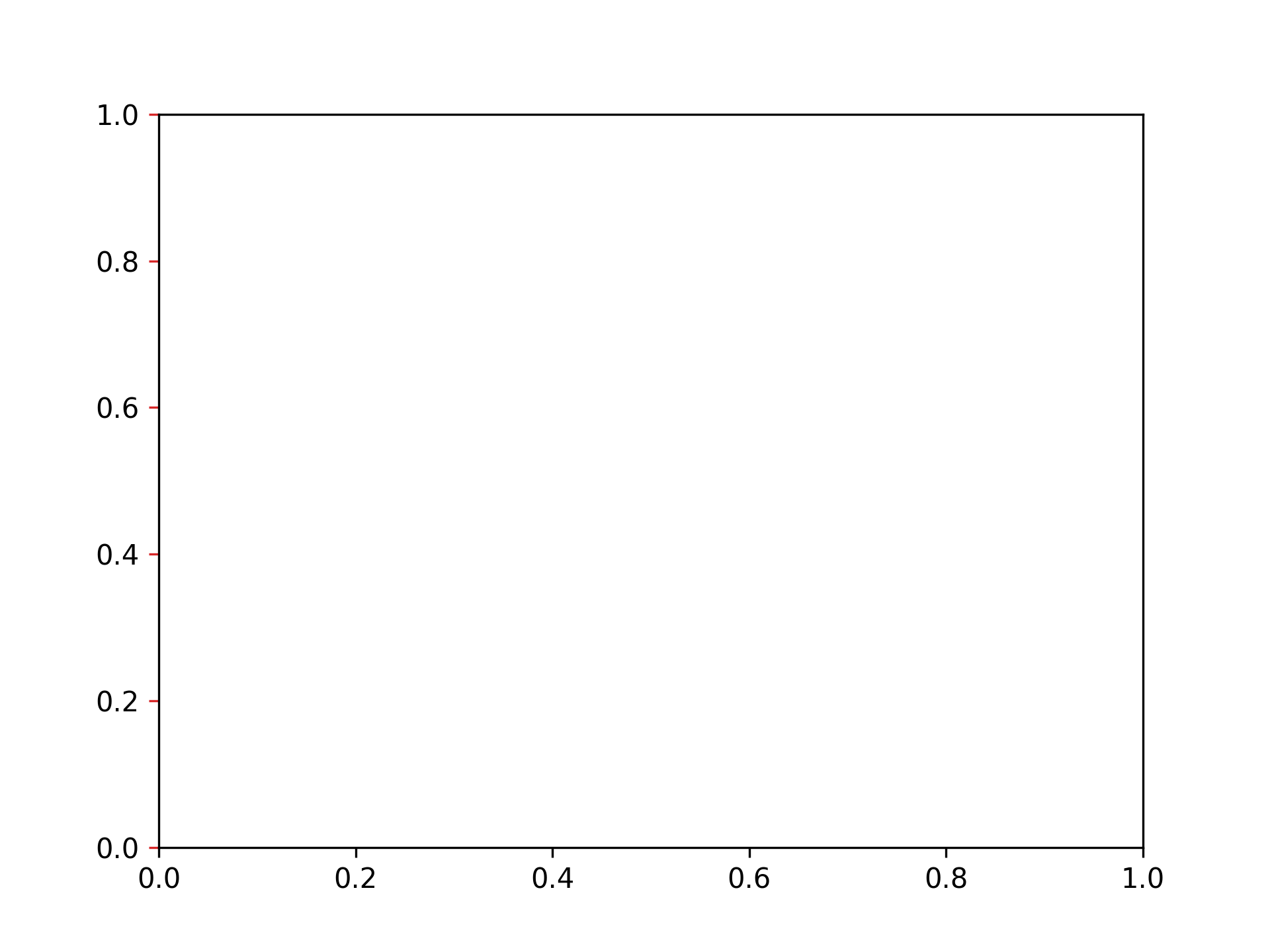
Setting x-axis tick color to red

fig, ax = plt.subplots()
ax.tick_params(axis="x", color="tab:red")

Setting x-axis tick label color to red

fig, ax = plt.subplots()
ax.tick_params(axis="x", labelcolor="tab:red")

Setting y-axis tick color to red

fig, ax = plt.subplots()
ax.tick_params(axis="y", color="tab:red")

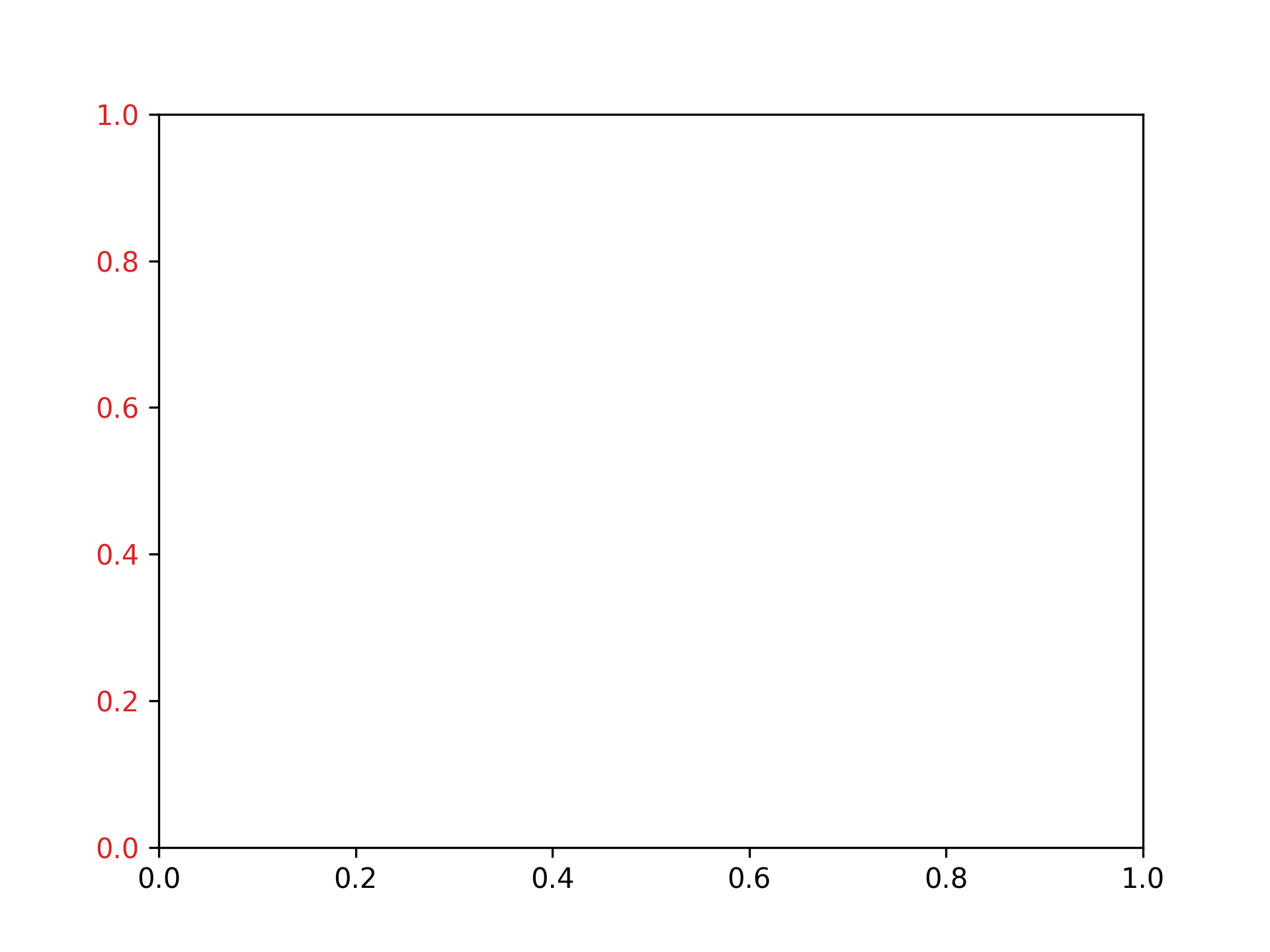
Setting y-axis tick label color to red

fig, ax = plt.subplots()
ax.tick_params(axis="y", labelcolor="tab:red")

Adjusting Graph Spacing

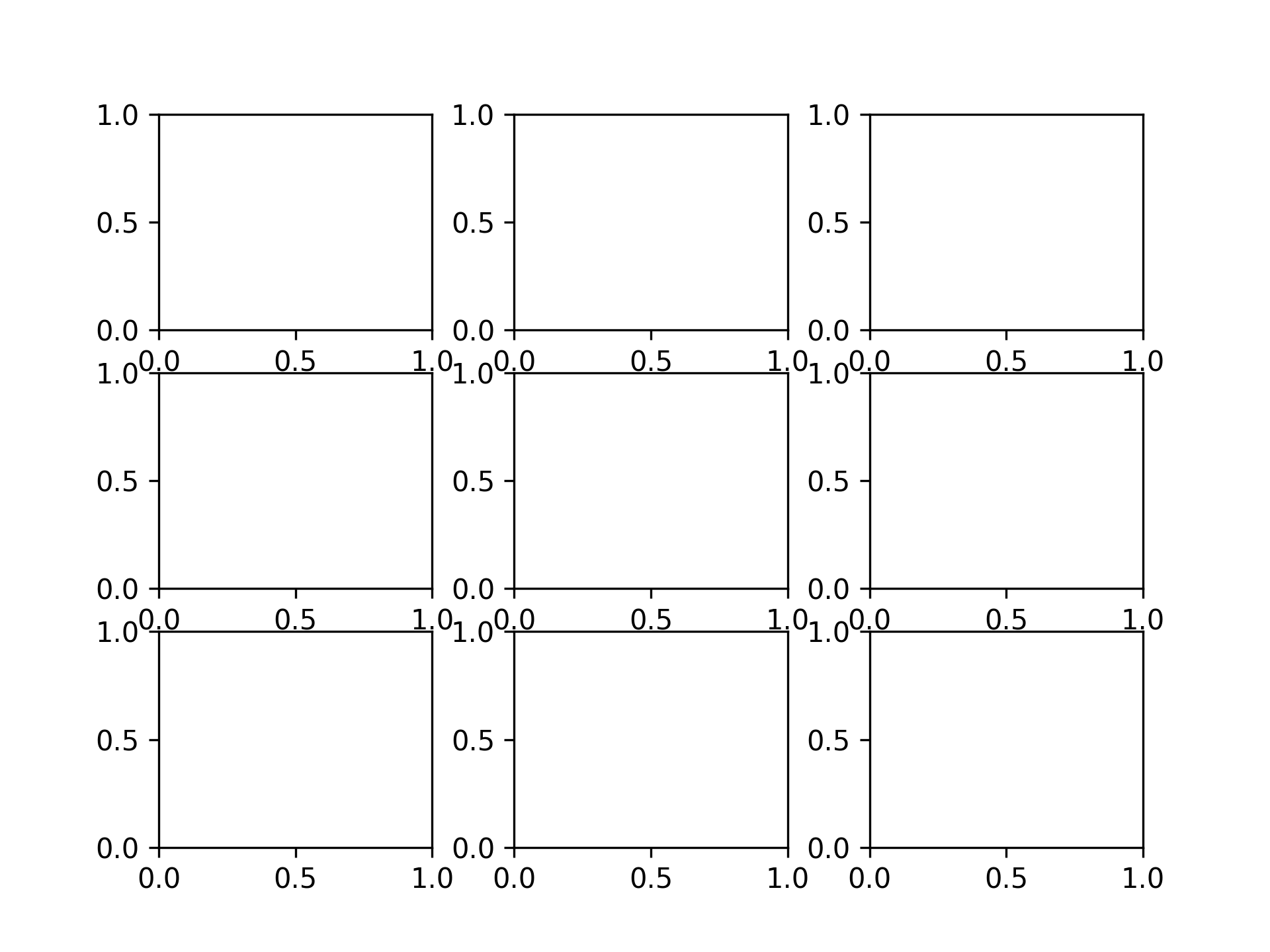
Setting vertical spacing to 0.2 and horizontal spacing to 0.3

fig, ax = plt.subplots(3, 3)
fig.subplots_adjust(hspace=0.2, wspace=0.3)

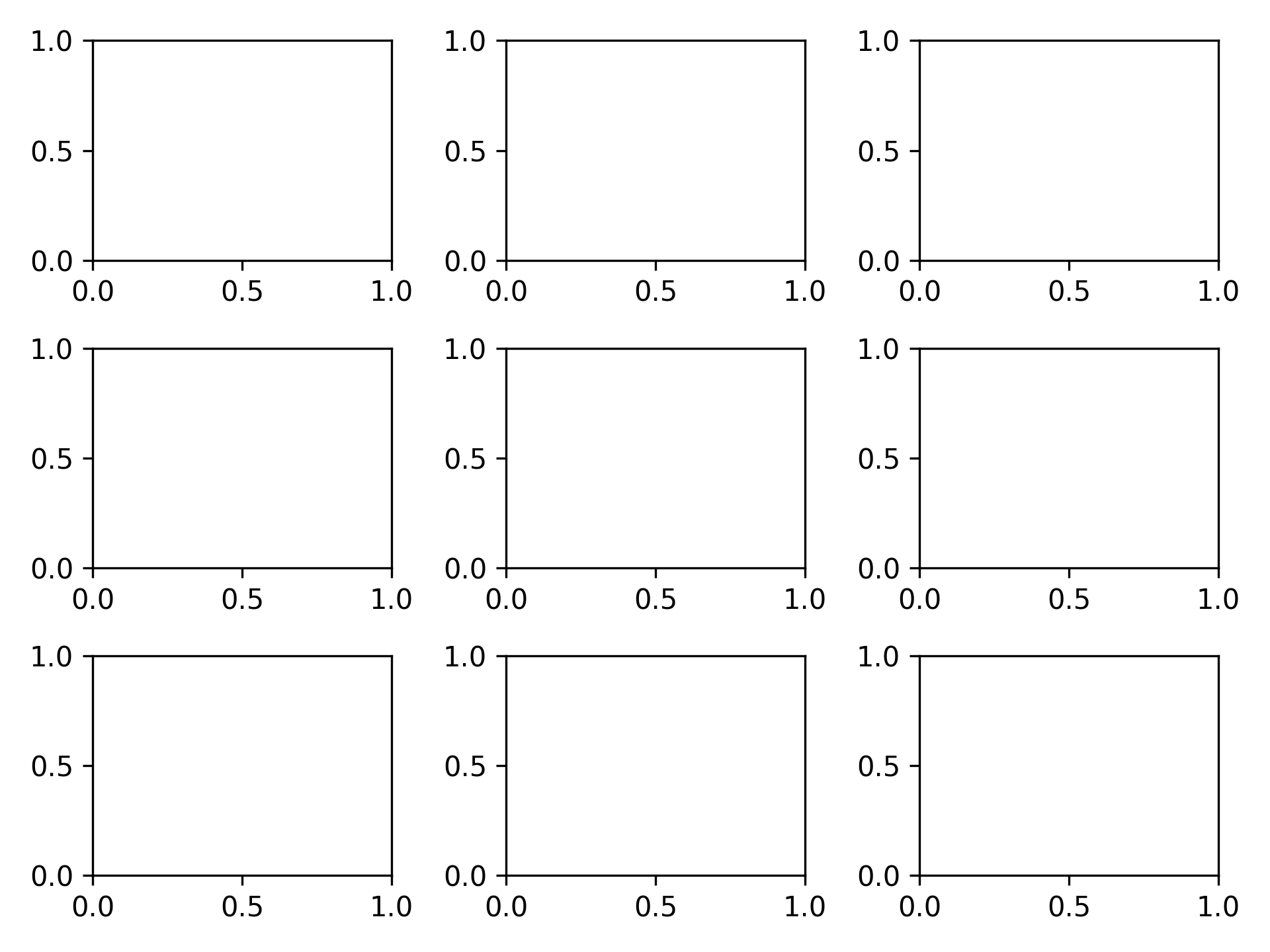
Setting spacing to automatic

fig, ax = plt.subplots(3, 3)
fig.tight_layout()

Saving Images

Saving as PNG

fig, ax = plt.subplots()
plt.savefig("graph.png")

Saving as SVG

fig, ax = plt.subplots()
plt.savefig("graph.svg")

Saving as PDF

fig, ax = plt.subplots()
plt.savefig("graph.pdf")

graph.pdf

Saving at 300 dpi

fig, ax = plt.subplots()
plt.savefig("graph300.png", dpi=300)

How to install pyenv and Python on Ubuntu (including WSL2)

· One min read

Install Dependencies

Reference: Home · pyenv/pyenv Wiki

sudo apt update
sudo apt install build-essential libssl-dev zlib1g-dev \
libbz2-dev libreadline-dev libsqlite3-dev curl \
libncursesw5-dev xz-utils tk-dev libxml2-dev libxmlsec1-dev libffi-dev lbmzma-dev

Install pyenv

Reference: [pyenv/pyenv-installer: This tool is used to install pyenv and friends.] (https://github.com/pyenv/pyenv-installer?tab=readme-ov-file)

curl https://pyenv.run | bash

Add initialization script to ~/.bashrc

# Open ~/.bashrc
code ~/.bashrc

Add the following:

export PYENV_ROOT="$HOME/.pyenv"
[[ -d $PYENV_ROOT/bin ]] && export PATH="$PYENV_ROOT/bin:$PATH"
eval "$(pyenv init -)"

eval "$(pyenv virtualenv-init -)"

Install Python

Display a list of installable versions

pyenv install -l

Install Python

Install Python 3.12.2.

pyenv install 3.12.2

Set the Python version

Set the default version to Python 3.12.2.

pyenv global 3.12.2

python -V # Python 3.12.2

Getting Started with Poetry: A Python Package Manager

· One min read

Installing Poetry

Install Poetry using pip. (It's also a good idea to upgrade pip at the same time.)

python -m pip install --upgrade pip
pip install poetry

Creating a Python Project with Poetry

1. Creating a New Python Project

To create a new Python project, run poetry new. A Python project template will be generated.

poetry new xxxxxxxx

2. Existing Python Project

If you already have a Python project, run poetry init to add the necessary configuration files for Poetry.

poetry init

Entering the Poetry Virtual Environment

Run poetry shell to start a shell in the Poetry virtual environment. You can use the packages added using Poetry.

poetry shell

Adding Packages to Poetry

You can add dependency packages using poetry add.

poetry add xxxxxxxx

Other Commonly Used Commands

  • poetry list: Displays a list of commands.
  • poetry build: Creates packages (.tar.gz, .whl).
  • poetry install: Installs dependency packages.
  • poetry publish: Publishes created packages to PyPI, etc.
  • poetry search: Searches for packages.
  • poetry run: Executes commands in the Poetry environment.
  • poetry show: Displays available packages.
  • poetry update: Executes dependency package updates.

Installing and Configuring Pyenv

· 2 min read
  1. Clone Pyenv Clone the Pyenv repository. The recommended directory is ~/ .pyenv.

git clone https://github.com/pyenv/pyenv ~/.pyenv


0. Compile Bash extensions for speed
You can compile Bash extensions for speed.
It will still work correctly if the compilation fails.

```sh
cd ~/.pyenv && src/configure && make -C src
  1. Configuration (bash) Path and other settings.

echo 'export PYENV_ROOT="$HOME/.pyenv"' >> ~/.profile echo 'export PATH="$PYENV_ROOT/bin:$PATH"' >> ~/.profile echo 'eval "$(pyenv init --path)"' >> ~/.profile export PYENV_ROOT="$HOME/.pyenv" export PATH="$PYENV_ROOT/bin:$PATH" eval "$(pyenv init --path)" echo -e 'if shopt -q login_shell; then'
'\n export PYENV_ROOT="$HOME/.pyenv"'
'\n export PATH="$PYENV_ROOT/bin:$PATH"'
'\n eval "$(pyenv init --path)"'
'\nfi' >> /.bashrc echo -e 'if [ -z "$BASH_VERSION" ]; then'
'\n export PYENV_ROOT="$HOME/.pyenv"'
'\n export PATH="$PYENV_ROOT/bin:$PATH"'
'\n eval "$(pyenv init --path)"'
'\nfi' >>
/.profile


# Installing Python Environments

## Installing Dependencies
```sh
sudo apt-get update; sudo apt-get install make build-essential libssl-dev zlib1g-dev \
libbz2-dev libreadline-dev libsqlite3-dev wget curl llvm \
libncurses-dev xz-utils tk-dev libxml2-dev libxmlsec1-dev libffi-dev liblemgma-dev -y

Checking Installable Environments

pyenv install -l

Installing

It takes a long time to compile, so please wait.

CONFIGURE_OPTS= "--enable-shared" pyenv install 3.9.5

Verifying Version

pyenv versions

Switching Version

pyenv global 3.9.5