Setting up a Raspberry Pi without a monitor
This guide explains how to set up a Raspberry Pi without needing a monitor.
- Requires a Raspberry Pi device that can connect an Ethernet cable for a wired connection.
- A computer is needed to operate the Raspberry Pi.
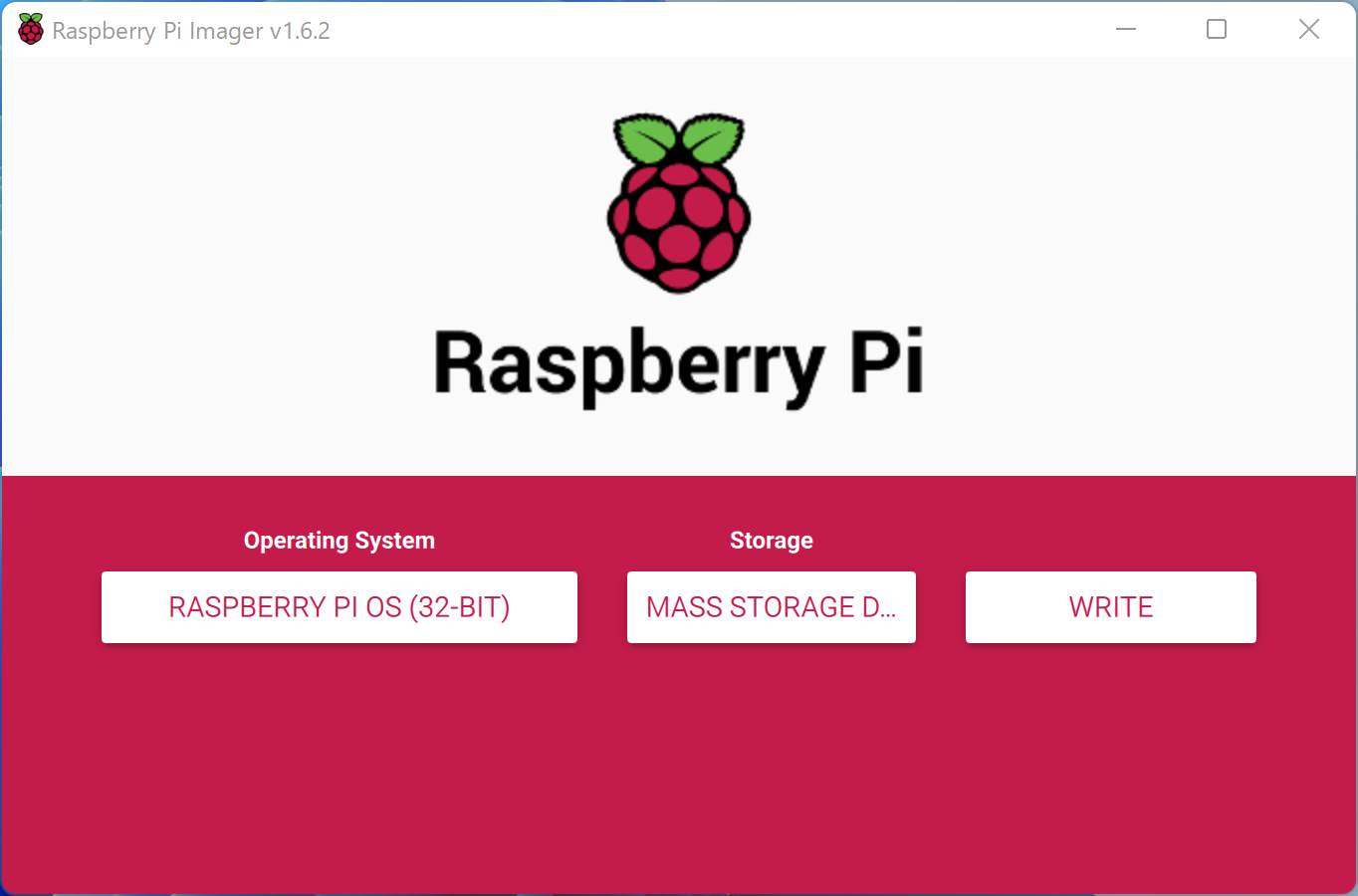
Install Raspberry Pi Imager, select the OS. Choose the micro SD card to write to, and click WRITE.
Configuration
Enable SSH
Enabling SSH allows you to operate the Raspberry Pi remotely.
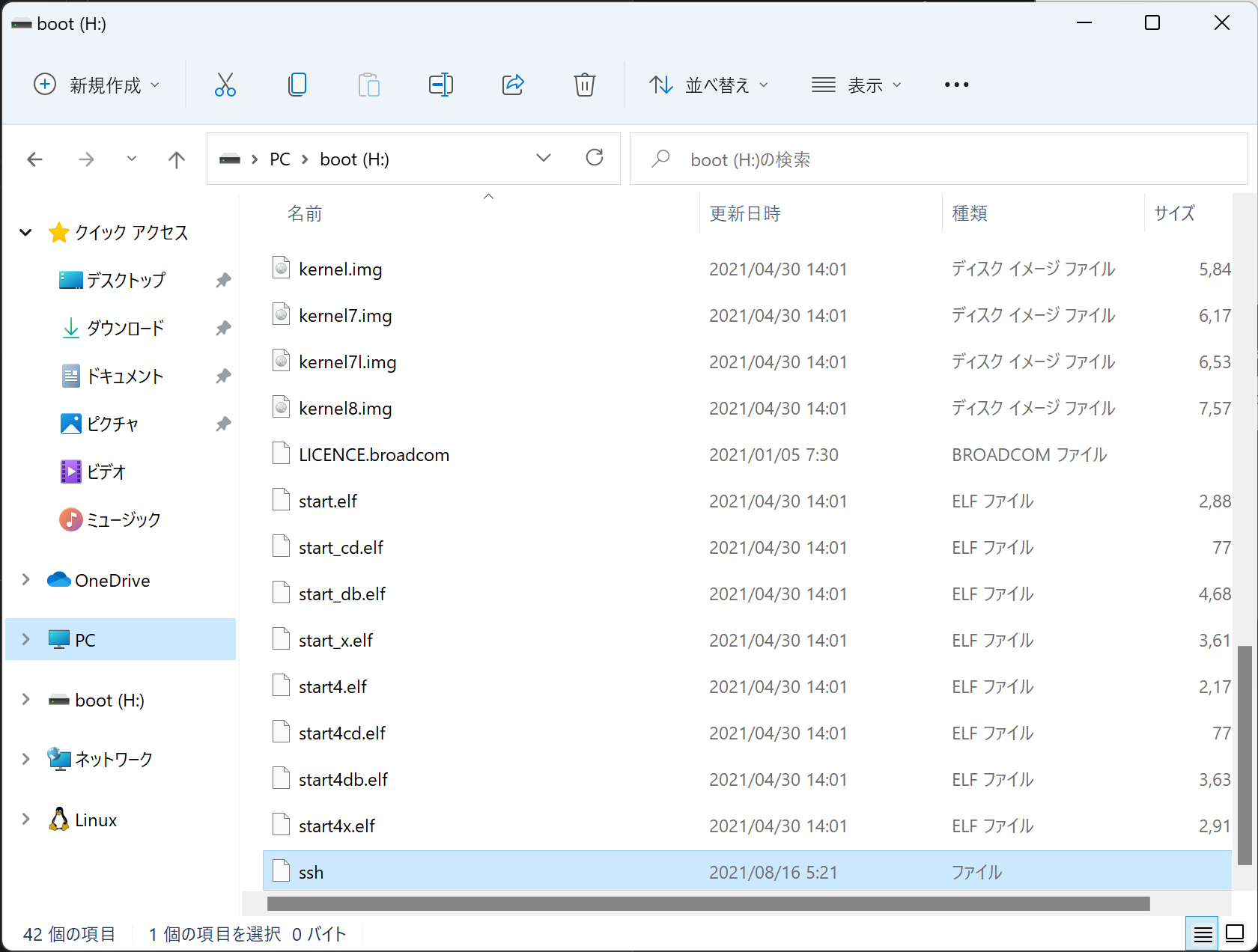
Reinsert the micro SD card and create a text file named ssh directly in the root directory. No extension is needed.
Enable VNC
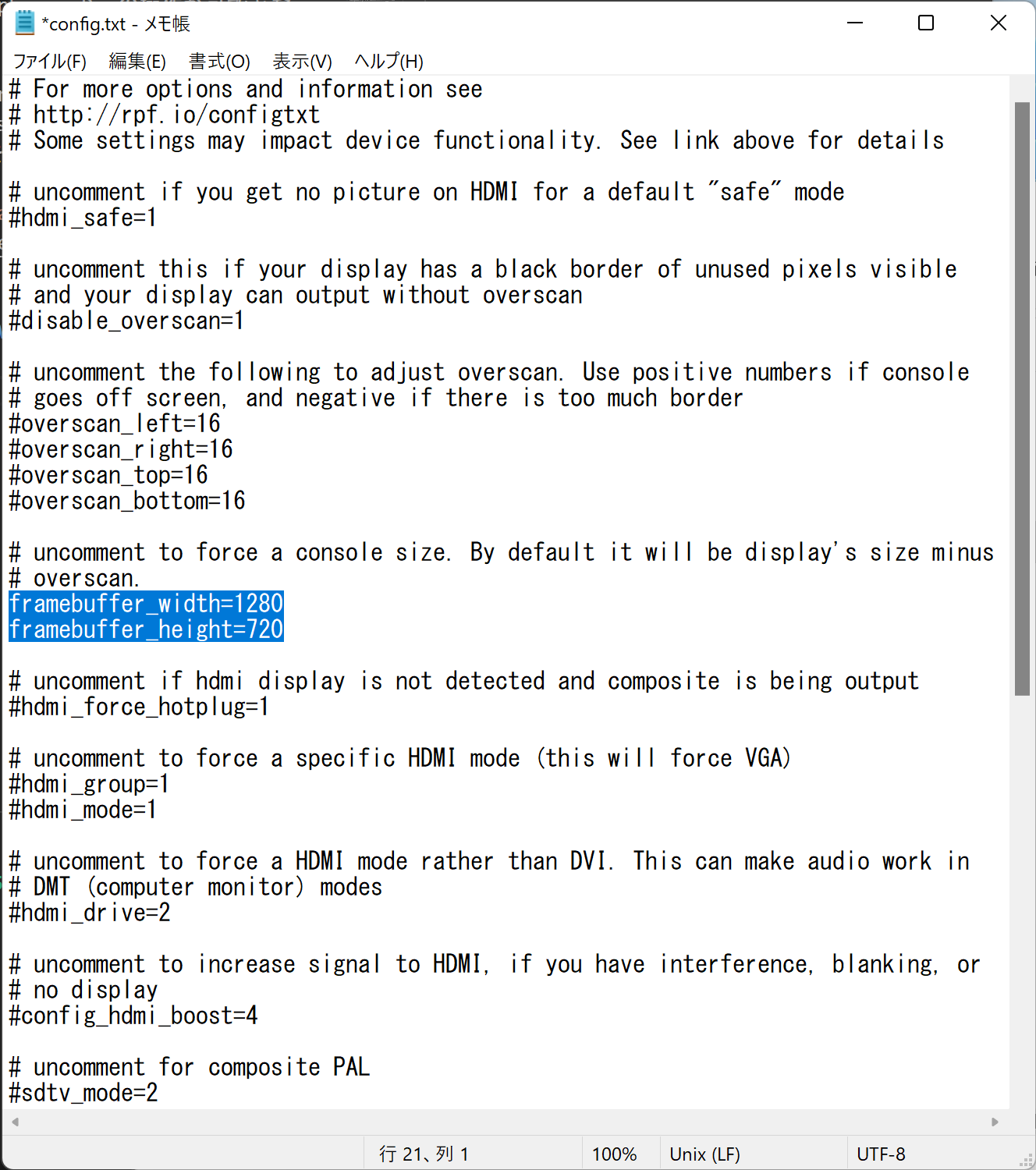
Open config.txt and uncomment and save the following lines:
framebuffer_width=1280
framebuffer_height=720
Boot Up
Insert the micro SD card into the Raspberry Pi, connect the power, and boot it up.
Connect via SSH
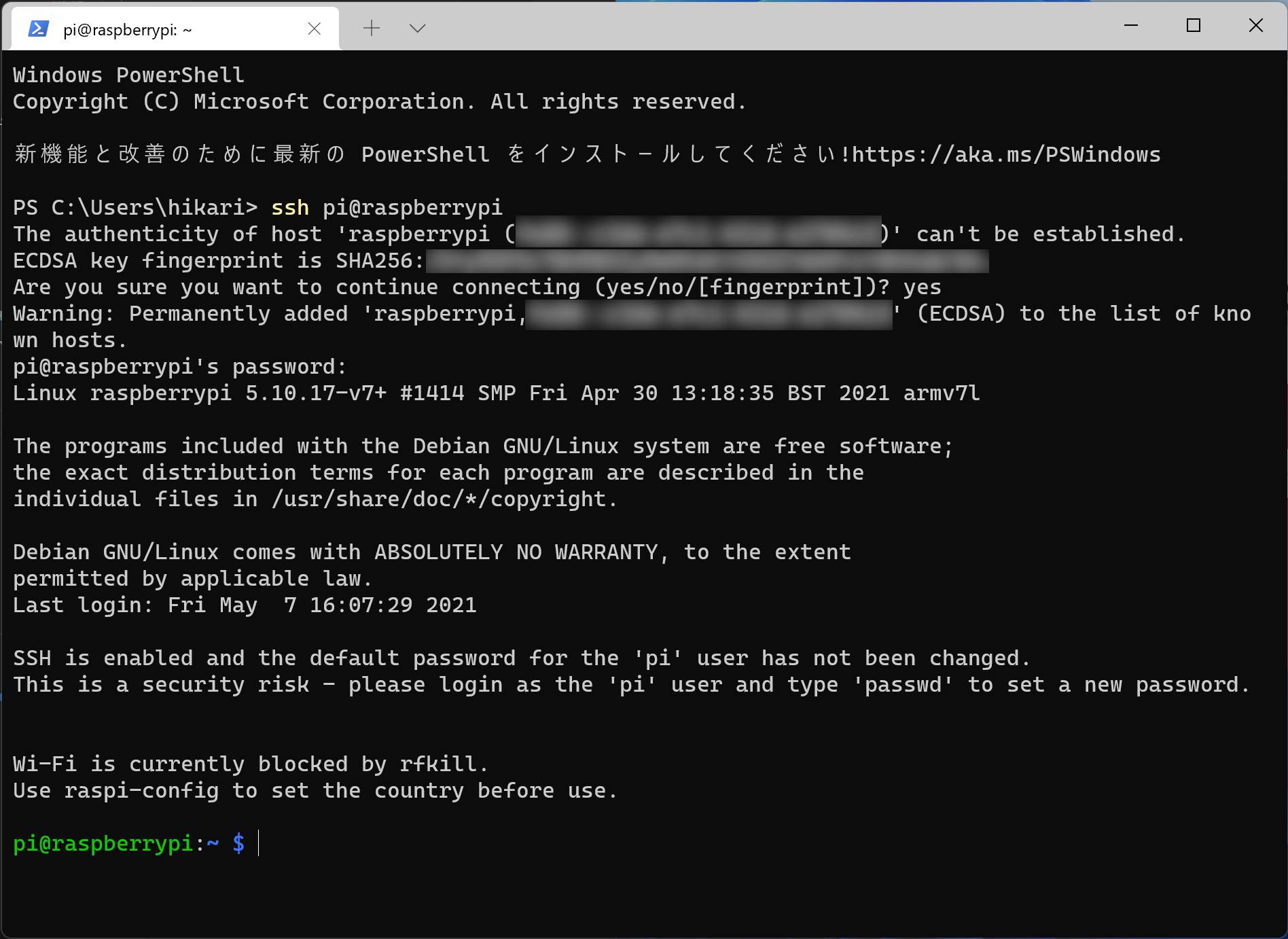
Connect using hostname raspberrypi, username pi, and password raspberry.
Update Packages
sudo apt update
sudo apt upgrade -y
Enable VNC
sudo raspi-config
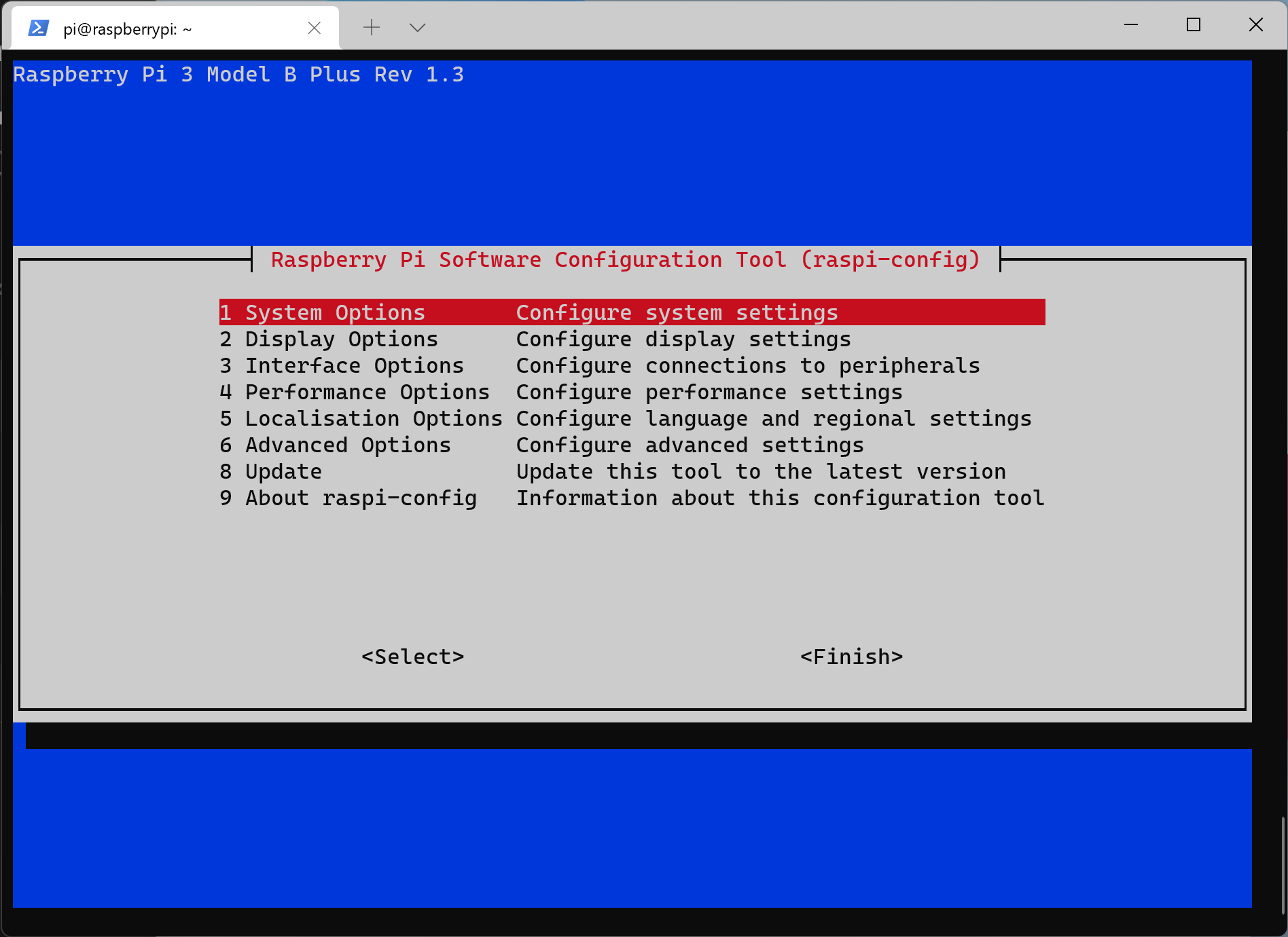
Select 3 Interface Options, then P3 VNC, and select YES. Close with Finish.
Connect via VNC
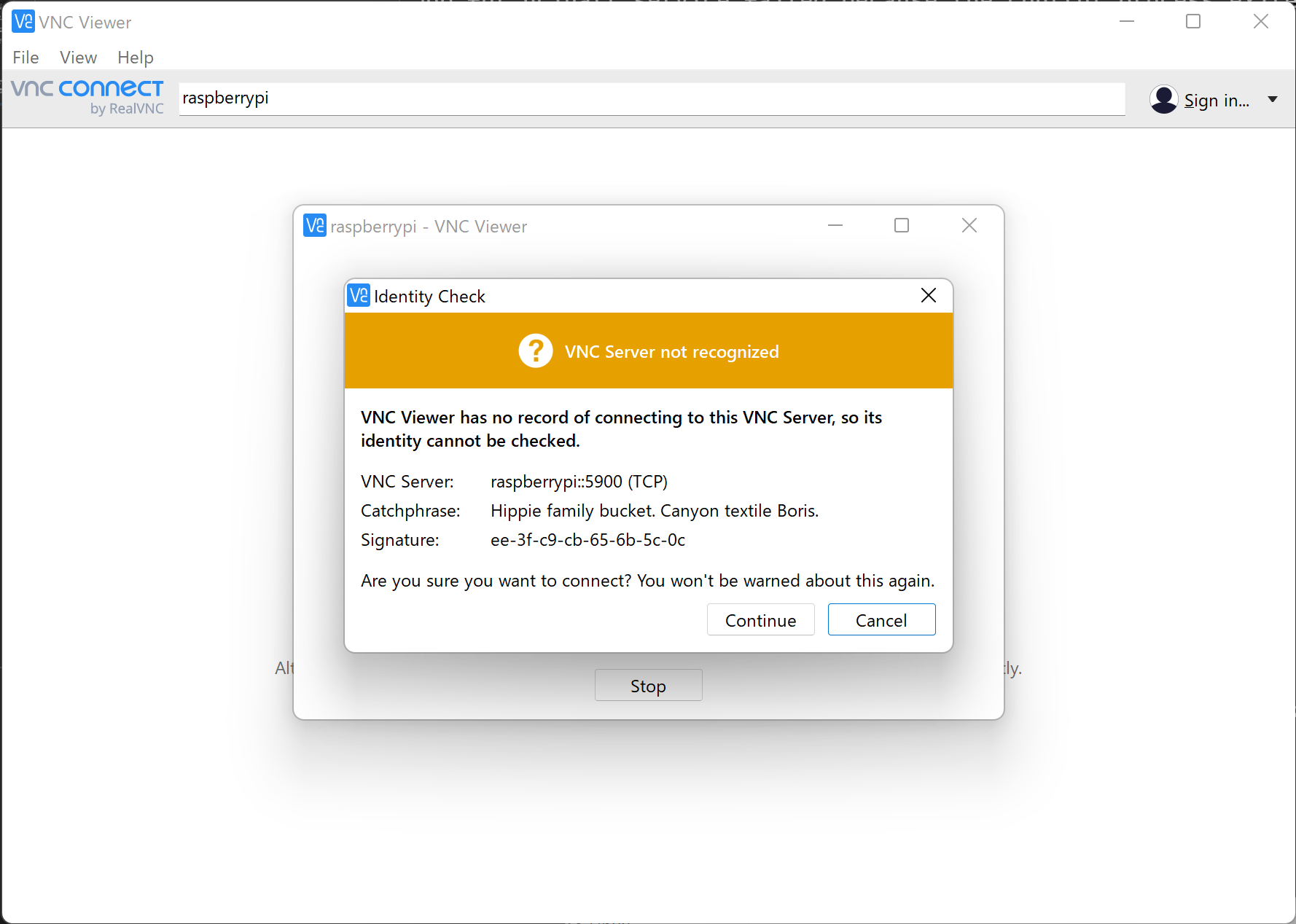
Use the same username and password as for SSH.
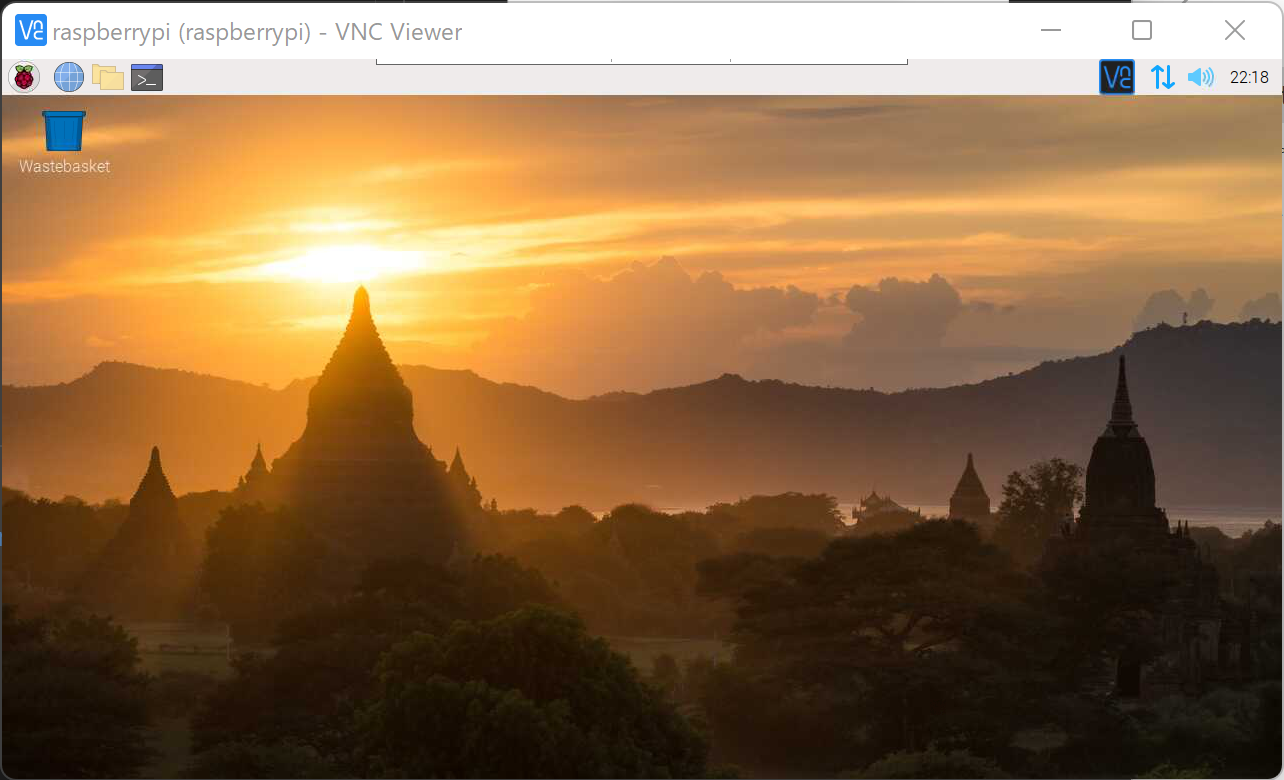
Enable Wi-Fi
Enabling Wi-Fi via VNC eliminates the need for a wired connection, allowing you to operate the Raspberry Pi with only power.
Loading...