How to Connect to Ubuntu in Hyper-V via Serial Console
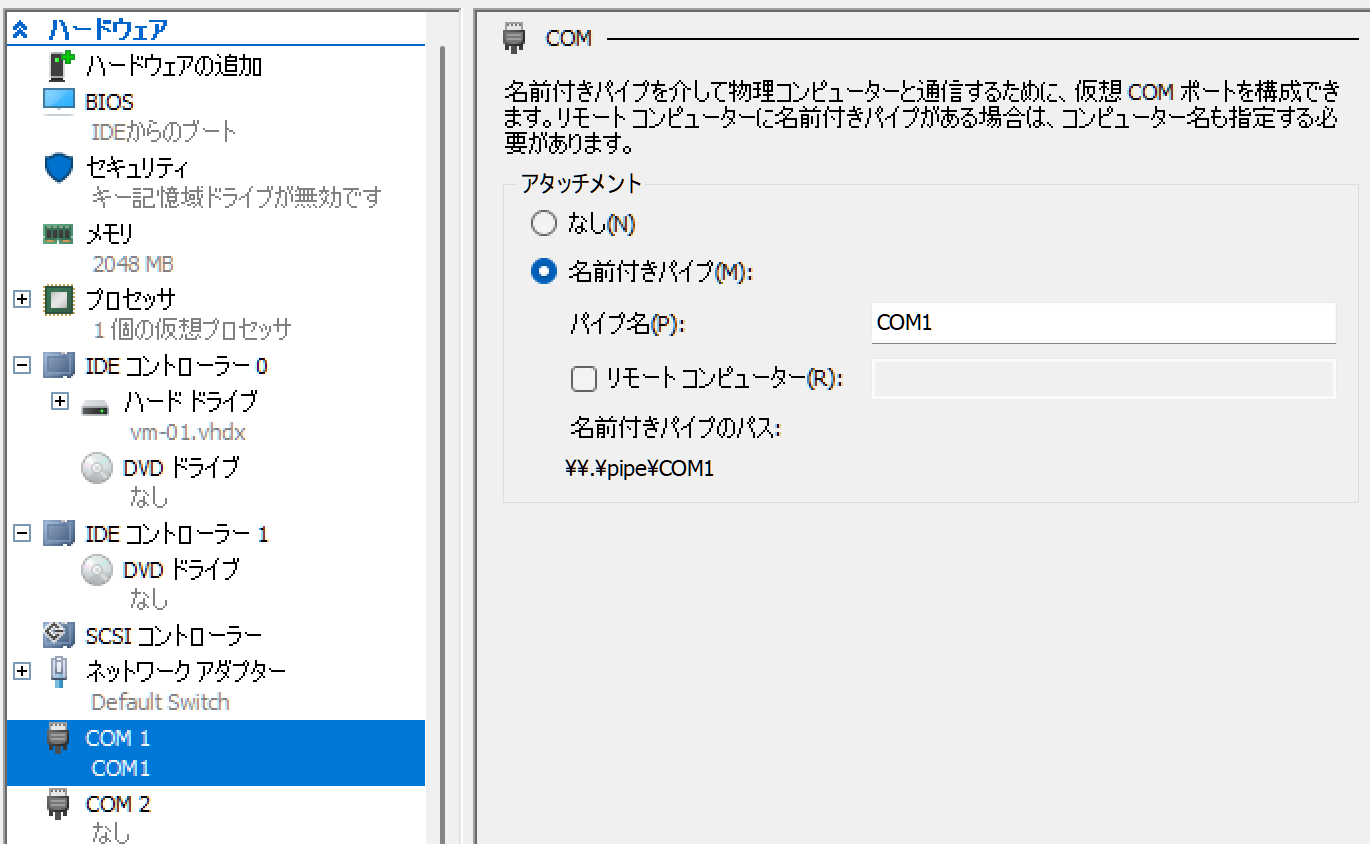
VM Settings
Select "Named pipe" and set the pipe name to "COM1".
Ubuntu Settings
GRUB Settings
Open the GRUB configuration file with sudo nano /etc/default/grub.
GRUB_CMDLINE_LINUX_DEFAULT="quiet splash console=ttyS0,115200n8"
After saving, apply the GRUB settings with:
sudo update-grub
Enable Serial Port
Configure the service to allow login via the serial port.
sudo systemctl enable [email protected]
sudo systemctl start [email protected]
Connection
Launch as administrator.
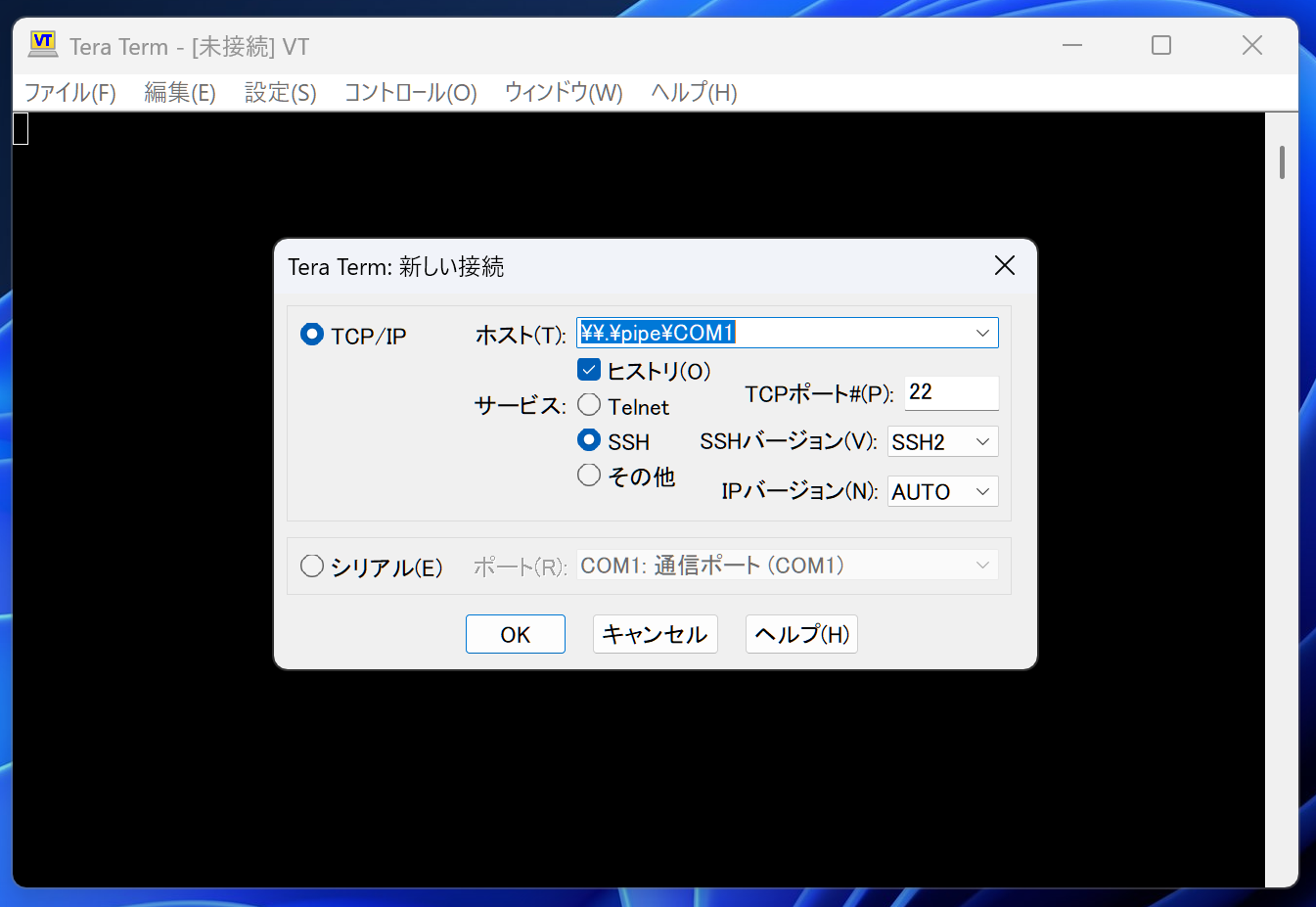
Connect from Tera Term
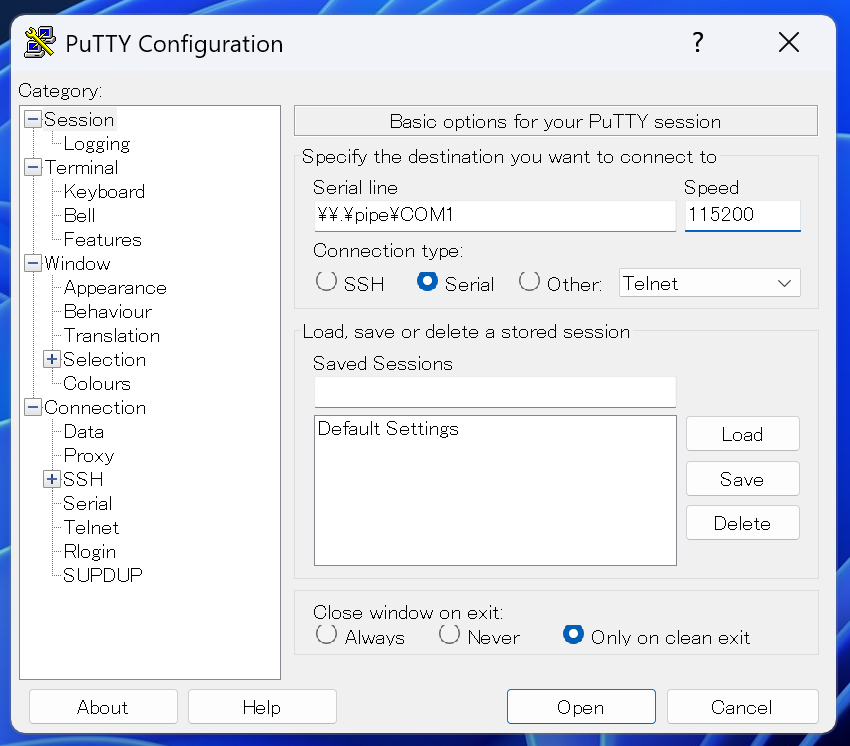
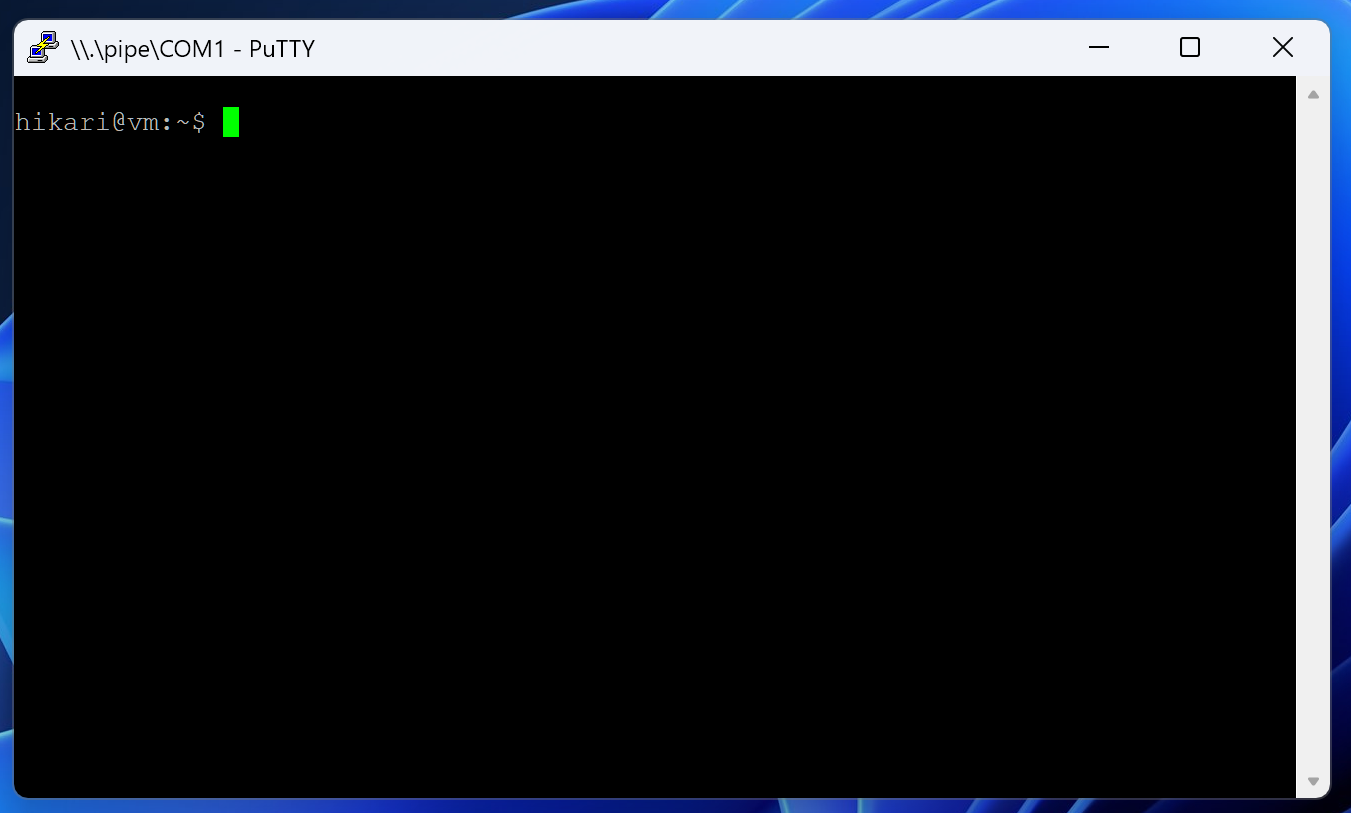
Connect from PuTTY
Launch as administrator.
| Serial line | Speed | Connection type: |
|---|---|---|
| \.\pipe\COM1 | 115200 | Serial |
Set the above.
Connect from plink
Launch as administrator.
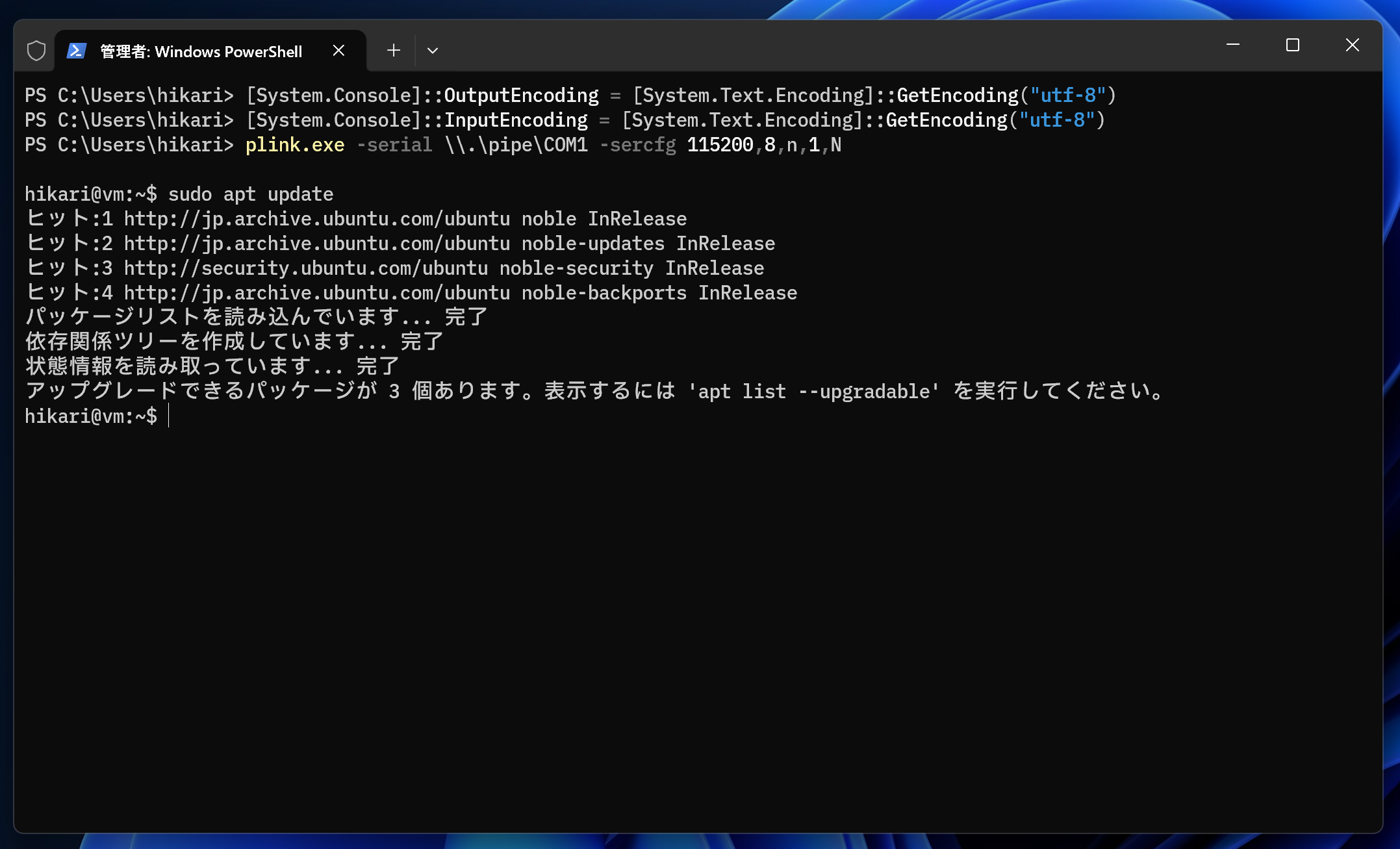
[System.Console]::OutputEncoding = [System.Text.Encoding]::GetEncoding("utf-8")
[System.Console]::InputEncoding = [System.Text.Encoding]::GetEncoding("utf-8")
plink.exe -serial \\.\pipe\COM1 -sercfg 115200,8,n,1,N
Exit with Ctrl + C.
Loading...